
Keeping Your Accounts Secure When You Share a Device

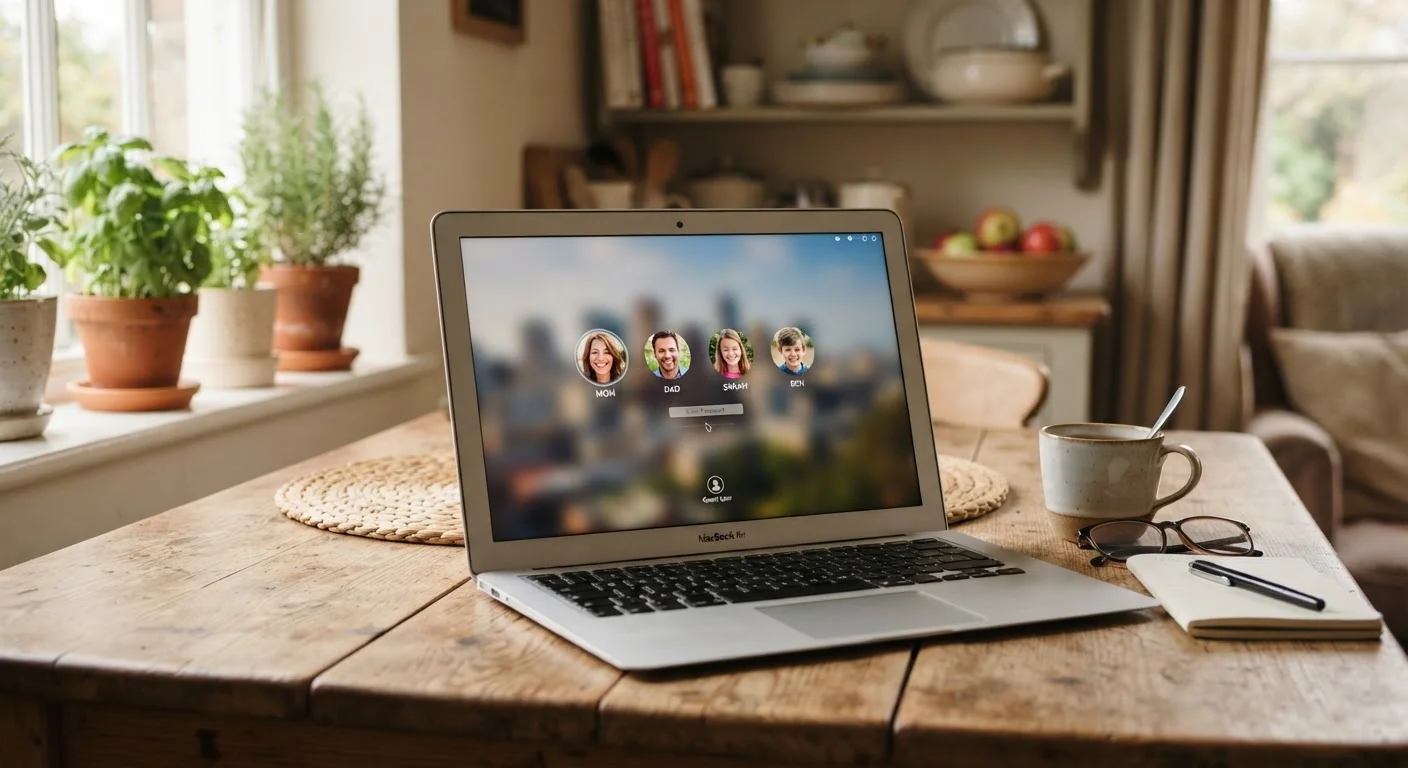
Photo: ArticleHood.com | Precision In Every Word editorial
Key Takeaways
- Always sign out of personal accounts after using a shared or borrowed device.
- Separate user accounts on a device are the single most effective safeguard for shared devices.
- Saved passwords and auto-fill in a shared browser profile are a common and underestimated security gap.
- Enable two-factor authentication so a stolen session can't unlock your accounts.
- Periodically review which devices are logged into your accounts and revoke unfamiliar sessions.
Why Shared Devices Create Real Security Risks
Sharing a tablet with a partner, borrowing a roommate's laptop, or handing a phone to a child to watch videos all feel harmless in the moment. But each of these situations creates small windows where your personal accounts - email, banking, streaming, social media - can be accessed by someone else, even unintentionally.
The risk isn't always malicious. A family member might accidentally see a private message in an open app, or a browser might offer to save a password that then autofills for whoever sits down next. Understanding where these gaps appear is the first step to closing them.
For a broader look at how your data moves between devices automatically, see our article on how app syncing works behind the scenes - it's relevant context for understanding what can persist across sessions.
Core Practices for Protecting Your Accounts
These habits don't require technical expertise. Most take less than a minute and can significantly reduce your exposure on any device you don't own exclusively.
Create separate user accounts for each person who regularly uses the device.
Always sign out of accounts explicitly when you're done on a shared device.
Never save passwords in a shared browser profile.
Enable two-factor authentication (2FA) on your most important accounts.
Periodically audit which devices are signed into your accounts.
Quick Steps You Can Take Right Now
If you've recently used a shared device - or regularly do - these actions address the most common vulnerabilities immediately.
Use a Guest or Private Window for Shared Logins
The Browser Is Often the Weakest Link
Most security gaps on shared devices don't come from sophisticated hacking - they come from browsers. When you log into a site on a shared browser profile, the browser may offer to save your password. If you accept, anyone using that profile later can be automatically signed in as you.
Similarly, many sites keep you logged in via cookies - small files the browser stores to remember your session. Closing the browser tab doesn't end the session. Only actively signing out does.
Incognito Mode Has Limits
If you regularly use a shared computer, consider using a private or incognito browsing window for personal logins. These windows don't save cookies, history, or passwords after you close them - though they don't make you anonymous online. Our companion guide on setting up a laptop without security gaps covers browser configuration in more detail.
For managing credentials safely across all your devices, password managers offer a more secure alternative to browser-saved passwords - especially on personal devices you don't share.
The content on this site is for informational purposes only and is not a substitute for professional advice. Always consult a qualified professional for guidance specific to your situation.