
Things People Get Wrong About Incognito Mode

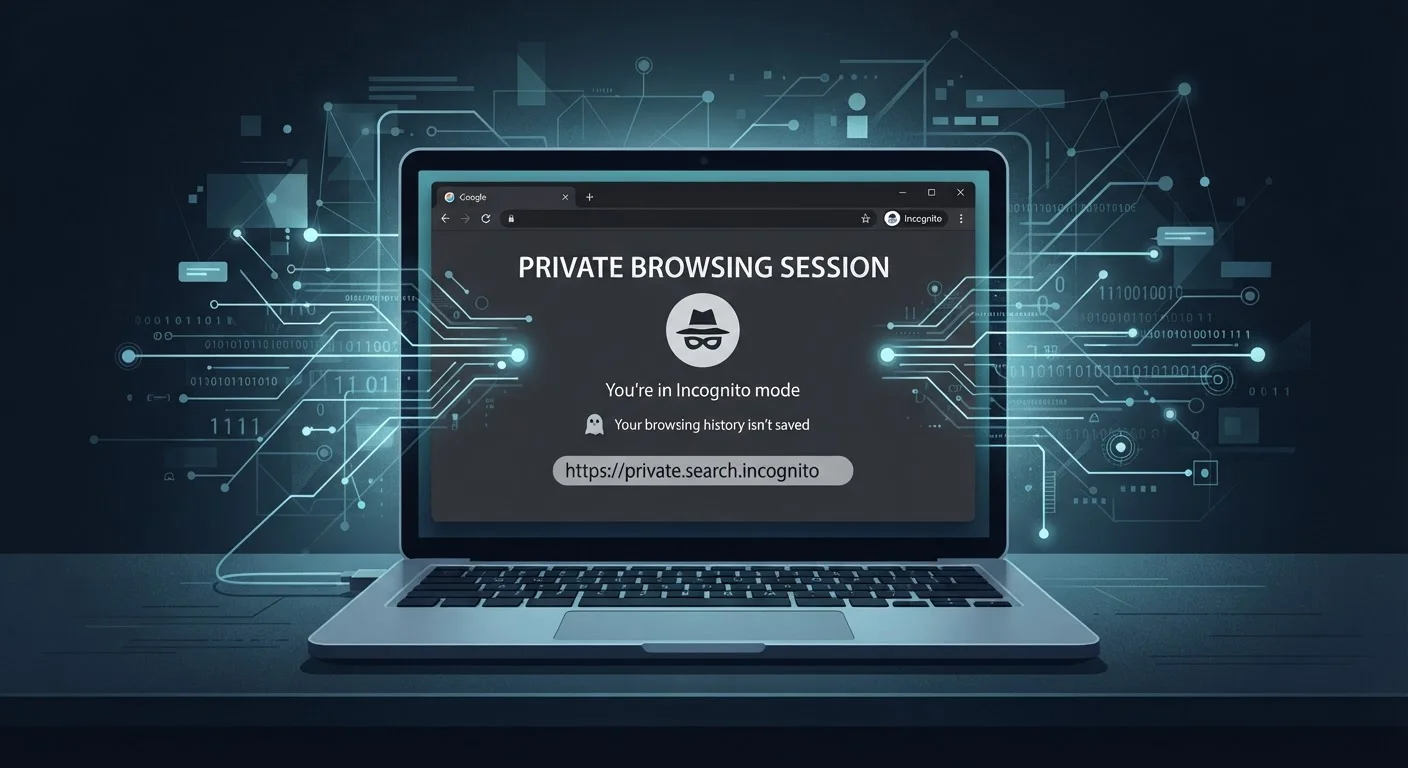
Photo: ArticleHood.com | Precision In Every Word editorial
Key Takeaways
- Incognito mode does not hide your activity from your internet service provider or employer network.
- Websites you visit can still identify you through your IP address even in private browsing.
- Incognito only prevents your local device from storing browsing history, cookies, and form data.
- Logging into any account during an incognito session immediately links activity to your identity.
- For stronger privacy, tools like VPNs address threats that incognito mode was never designed to handle.
What Incognito Mode Actually Does
Every major browser - Chrome, Firefox, Safari, Edge - offers some form of private or incognito browsing. When you open one of these windows, the browser stops recording your session locally. That means no history entry, no saved cookies, no stored form data or passwords once you close the window. For a shared computer, that's genuinely useful: a family member won't see what you searched, and autofill won't get populated with sites you visited.
But that narrow, local scope is the full extent of what incognito actually does. The privacy it provides stops at your device's edge. The moment a data request leaves your computer, it travels the same route as any ordinary browsing session - through your router, past your internet service provider (ISP), and on to the destination server. None of those parties are blindfolded just because your browser is in private mode.
Understanding this gap between what people expect and what the feature actually delivers is important - especially as more everyday activity moves online. It's the same kind of myth-versus-reality problem that affects other areas of tech, like in our look at internet speed misconceptions that lead people to overpay for plans they don't need.
Myth
Incognito mode makes you anonymous online - no one can see what you're doing.
Fact
Incognito only prevents your browser from saving a local record. Your ISP, network administrator, and the websites you visit can still observe your activity.
The browser's private mode is essentially a session-cleanup tool, not a cloak of invisibility. Your internet traffic still flows through your ISP's infrastructure, and your IP address is visible to every server you connect to. The incognito label refers to your device's memory of the session, not to how the outside world perceives it.
Myth
Websites can't track you when you're browsing in incognito.
Fact
Websites can still identify you using your IP address and browser fingerprinting techniques, both of which are unaffected by incognito mode.
Browser fingerprinting collects non-cookie signals - screen resolution, installed fonts, operating system, language settings, time zone - and combines them into a profile that is often unique enough to identify a specific device. Because incognito mode doesn't change any of these characteristics, a site that uses fingerprinting can recognize a returning visitor even without any stored cookies.
Myth
Logging into a website in incognito mode keeps that activity private.
Fact
The moment you log in, the platform associates your session with your account and can record everything you do.
Authentication is the most direct way to connect browsing activity to a real identity. If you sign into Google, Facebook, or any other service in an incognito window, that platform sees your session as fully authenticated. Any searches, clicks, or content interactions are linked to your account the same way they would be in a normal browser window. The incognito window won't retain a cookie after you close it, but the platform's own servers have already logged the activity.
Myth
Incognito mode protects you from malware and hackers.
Fact
Incognito mode has no security features that protect against malware, phishing, or network-level attacks.
A private browsing window doesn't add any layers of security between you and malicious content. If you download a file infected with malware in an incognito session, it lands on your device just as it would otherwise. Similarly, a phishing site designed to steal credentials is equally effective whether you arrive in incognito mode or not. Security is a separate concern from privacy, and the two should not be conflated.
Myth
Using incognito mode stops advertisers from targeting you.
Fact
Advertisers can still reach you through IP-based targeting and fingerprinting, both of which persist in incognito sessions.
Many ad-targeting systems don't rely exclusively on cookies. IP-based targeting uses your network address to infer your approximate location and, combined with other signals, can serve relevant ads even without a stored identifier. If you're on the same network across multiple sessions, the continuity of your IP address gives ad networks a meaningful thread to follow regardless of your browser mode.
What You're Still Exposing in a Private Window
Knowing the myths is only half the picture. The other half is understanding the specific data signals that remain visible regardless of your browser mode.
~3%
Users who correctly understood incognito limitations
A study by researchers at University of Chicago and Leibniz University Hannover found that only a small fraction of surveyed users accurately understood that incognito mode does not hide activity from ISPs or websites.
Billions
Devices identifiable by browser fingerprinting
Research from the Electronic Frontier Foundation has shown that browser fingerprinting can identify devices with high accuracy, making cookie-free tracking a widespread reality.
Your IP address is transmitted with every web request. Websites, ad networks, and analytics platforms log it routinely. Combined with browser fingerprinting - a technique that reads your screen resolution, installed fonts, time zone, and other device characteristics - many sites can identify a returning visitor without any cookies at all. Incognito mode does nothing to mask either of these signals.
If you're on a workplace or school network, network administrators can see which domains you're connecting to through standard traffic monitoring tools. This is true whether you're in incognito mode or not. The same applies to public Wi-Fi: the operator of the network sees your traffic at the router level.
Incognito on Work or School Networks
Finally, any extensions you leave enabled in your incognito window - many browsers allow this as an opt-in - can continue to observe and transmit your activity. Check your browser's extension settings to see which ones have been granted access to private sessions, and disable any that don't need to be there.
Better Tools for Stronger Privacy
If your actual goal is privacy from external observers - not just keeping your browsing off your local device - you'll need tools built for that purpose. A Virtual Private Network (VPN) encrypts your traffic between your device and the VPN server, masking your activity from your ISP and preventing the destination site from seeing your real IP address. It's worth noting, however, that a VPN shifts trust: you're now relying on the VPN provider not to log or share your data, so choosing a reputable service matters.
The Tor Browser routes your connection through multiple volunteer-operated nodes before reaching its destination, making traffic analysis significantly harder. It's slower than standard browsing and not practical for every task, but it's designed specifically for anonymity rather than just local session cleanup.
For everyday users who want better baseline habits, simply being aware of what incognito can and can't do is the most important first step. Use it for what it's good at - keeping sessions off your local device - and reach for purpose-built tools when you need something more. This pattern of matching the right tool to the actual problem applies just as clearly in other tech domains; our explainer on 5G misconceptions shows how overestimating a technology's scope leads to the same kind of confusion.
This article is for general informational purposes only. Privacy needs vary by situation; for specific legal, professional, or security concerns, consult a qualified expert.
The content on this site is for informational purposes only and is not a substitute for professional advice. Always consult a qualified professional for guidance specific to your situation.