
Your Laptop Battery Is Lying to You - Here's How Charging Really Works

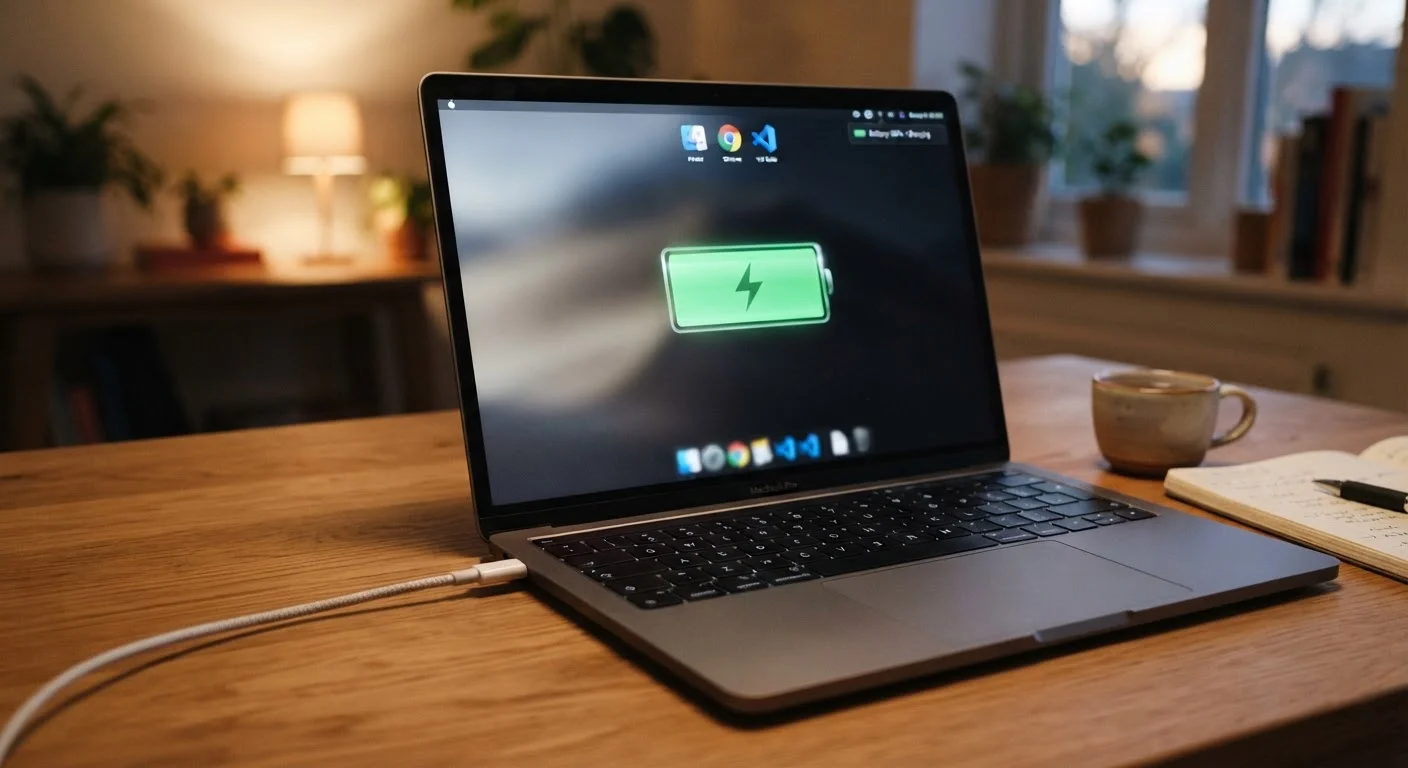
Photo: ArticleHood.com | Precision In Every Word editorial
Key Takeaways
- Your laptop's battery percentage is an estimate, not a precise measurement of remaining charge.
- Lithium-ion batteries degrade gradually with each charge cycle, not from being left plugged in overnight.
- Keeping your battery between roughly 20% and 80% charged tends to reduce long-term wear.
- Most modern laptops have built-in protections that prevent true overcharging.
- Heat - not charging habits alone - is one of the biggest enemies of battery longevity.
Why Your Battery Percentage Isn't the Whole Truth
The number in the corner of your screen feels authoritative, but it's actually a calculated guess. Your laptop doesn't directly measure how much energy is left in the battery the way a gas tank measures fuel. Instead, it uses a small chip called a battery management system (BMS) that tracks voltage, temperature, and historical charge data to estimate remaining capacity.
Over time, as a battery ages and its chemistry shifts, those estimates can drift. A battery that reads 20% might actually cut out sooner than expected, and one that reads 100% may not hold as much energy as it did when the laptop was new. Periodic battery calibration - fully draining and recharging in controlled conditions - used to help realign these estimates on older hardware, though many modern devices handle this automatically.
The practical takeaway: treat that percentage as a useful guide, not a precise instrument reading.
Common Myths About Laptop Charging - Corrected
Misconceptions about charging have circulated for decades, many rooted in behaviors that were sensible for older battery technologies but no longer apply to the lithium-ion and lithium-polymer cells in today's laptops. Here's what the evidence actually shows.
Myth
Leaving your laptop plugged in overnight will overcharge the battery and damage it.
Fact
Modern laptops are designed to stop drawing charge once the battery reaches 100%, so true overcharging is not a practical concern.
Every current laptop includes a battery management system that cuts off the charge current when the battery is full. The laptop then runs directly off the power adapter. The real, more nuanced concern is that keeping a lithium-ion battery sitting at 100% for extended periods does place it in a slightly higher-stress state than a mid-range charge - but this is a gradual, long-term effect, not an overnight emergency. Many laptops now include a "battery limit" or "optimized charging" setting in system software that caps charging at around 80% specifically to address this.
Myth
You should always fully drain your laptop battery before recharging it.
Fact
Fully draining a lithium-ion battery regularly is actually harder on it than partial charges.
This advice made sense for older NiCd batteries, which suffered from a "memory effect" that caused them to lose capacity if not fully discharged. Lithium-ion chemistry works differently: deep discharges (dropping to 0%) place more stress on the cells than topping up from 40% or 50%. Partial, frequent charges are generally better for lithium-ion longevity than full discharge-and-recharge cycles.
Myth
A cheap or third-party charger will destroy your battery.
Fact
Charger quality matters, but the risk is more nuanced than outright destruction.
A charger that meets the power specifications for your laptop and carries appropriate safety certifications (such as UL listing in the US) is generally safe to use. The legitimate risks from very low-quality, uncertified chargers include inconsistent voltage that can stress battery management hardware, or in rare cases, overheating. Using a charger from a reputable manufacturer that matches your laptop's wattage and connector type is a reasonable standard - but the idea that any non-OEM charger will instantly ruin your battery is an exaggeration.
Myth
Battery percentage drops mean your battery is broken.
Fact
All rechargeable batteries lose some capacity over time - this is normal chemistry, not a defect.
Lithium-ion cells undergo chemical changes with each charge and discharge. Over hundreds of cycles, the electrodes gradually degrade and the battery holds less total energy. A laptop battery retaining 80% of its original capacity after two to three years of regular use is performing as expected. Most operating systems (Windows, macOS) include battery health diagnostics that show current maximum capacity relative to the original design capacity, which helps distinguish normal aging from a genuine hardware problem.
What Actually Shortens Your Battery's Life
Understanding the real culprits helps you focus energy where it matters.
300-1,000
Typical rated charge cycles for laptop batteries
Battery manufacturers commonly publish cycle life ratings in this range, after which capacity may fall noticeably below its original level.
~80%
Capacity retained after typical rated cycle life
Industry standards often define end-of-rated-life as the point when a battery holds roughly 80% of its original energy capacity.
Heat is the primary accelerant of battery aging. Lithium-ion cells degrade faster at elevated temperatures - and the biggest source of heat for your laptop is often sustained heavy workloads (video rendering, gaming) while plugged in and sitting on an insulating surface like a blanket or a pillow. Good airflow matters more than most people realize.
Charge cycles add up gradually. A full charge cycle is defined as using 100% of the battery's capacity - which could happen across multiple partial charges. Most laptop batteries are rated for 300 to 1,000 cycles before capacity noticeably degrades. This is why keeping the battery in a mid-range state of charge (rather than cycling it fully from 0% to 100% repeatedly) can extend overall longevity.
For context, the same principles apply in other battery-powered systems. If you're curious how environment and usage patterns affect a different kind of battery chemistry, our guide on car battery lifespan walks through similar wear factors in automotive contexts.
Watch for Signs of Physical Battery Damage
The content on this site is for informational purposes only and is not a substitute for professional advice. Always consult a qualified professional for guidance specific to your situation.