
App Permissions: What You're Agreeing To When You Tap 'Allow'

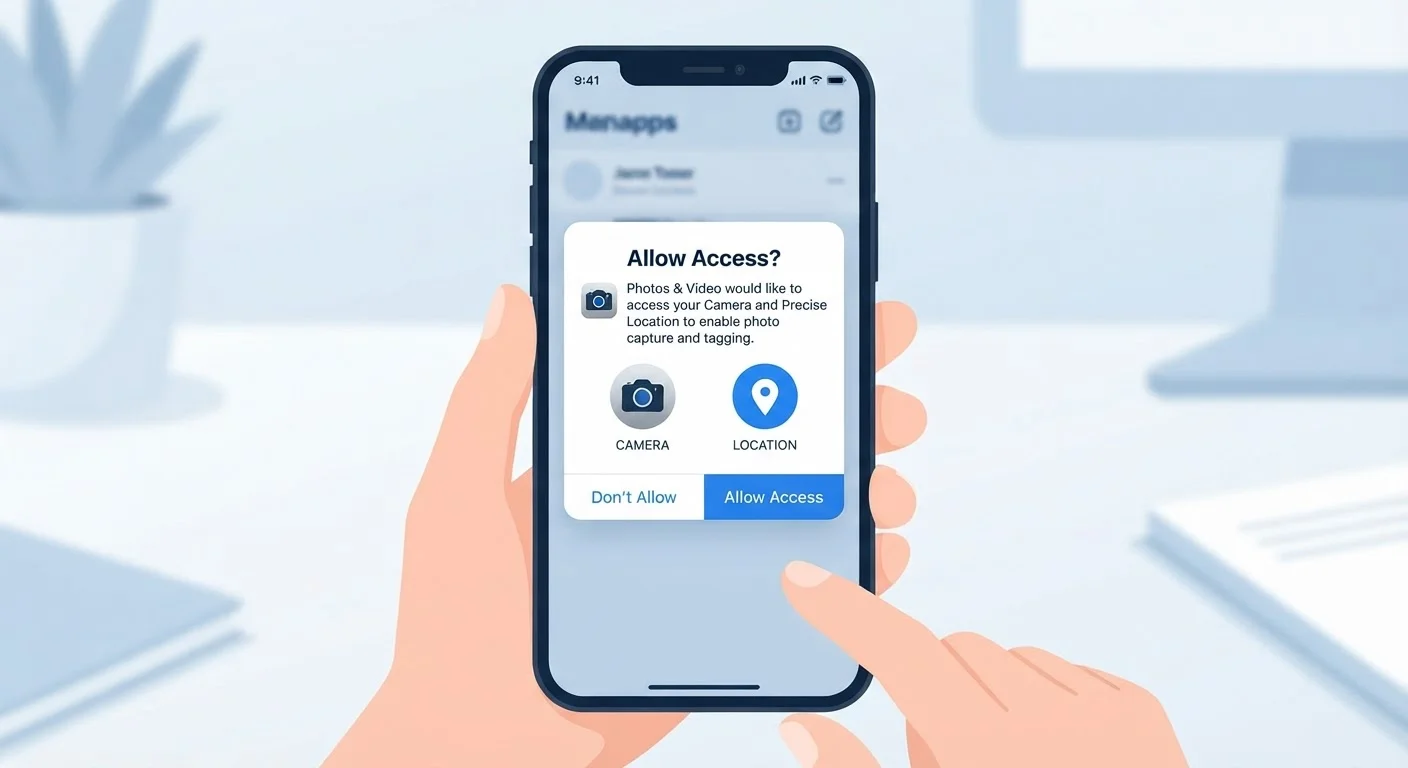
Photo: ArticleHood.com | Precision In Every Word editorial
Key Takeaways
- Each permission type grants access to a distinct part of your device - camera, microphone, contacts, or location.
- Denying a permission rarely breaks an app entirely; it usually just disables one specific feature.
- Both Android and iOS let you review and revoke permissions at any time in your device settings.
- Some permissions carry higher privacy risks than others - location and microphone warrant extra scrutiny.
- A mismatch between an app's purpose and its permission requests is a useful warning sign.
What App Permissions Actually Grant
When you install a new app and it asks to access your camera or location, it isn't just asking as a formality. That tap on 'Allow' creates a direct authorization - a standing instruction to your phone's operating system that this app may access that resource whenever it needs to.
Permission categories each unlock something specific:
- Camera: The app can activate your camera hardware and capture photos or video.
- Microphone: The app can record audio from your device's built-in mic.
- Location: The app can retrieve your geographic position, either precisely (GPS-level) or approximately (neighborhood-level).
- Contacts: The app can read the names, numbers, and email addresses stored in your address book.
- Storage / Photos: The app can read and sometimes write to your photo library or files.
- Notifications: The app can send alerts that appear on your lock screen and notification center.
Each of these is a distinct access door. Granting one doesn't automatically grant the others.
45%
Apps requesting location access on Android
Research from the International Computer Science Institute found nearly half of Android apps in their sample requested location data.
2 types
Location precision options available to users
Both iOS and Android now offer users a choice between precise GPS-level and approximate area-level location sharing.
Millions
Apps available across major app stores
With millions of apps available globally, permission hygiene is one of the few consistent tools users have to limit data exposure.
Why Some Requests Should Give You Pause
The most useful question to ask before tapping 'Allow' is simple: does this app's purpose actually require this access? A navigation app needs location - that's obvious. But a flashlight app asking for microphone access, or a puzzle game requesting your contacts, is harder to explain with a legitimate reason.
Location and microphone permissions deserve particular attention because of what they can reveal over time. Continuous location data can paint a detailed picture of your daily routine - where you live, work, worship, or seek medical care. Microphone access, if misused, is more intrusive than most people realize.
Start With 'While Using' for Location
Another consideration is background access. On both iOS and Android, some permissions - especially location - have tiered settings. Choosing 'While Using the App' limits access to when the app is open on screen. Selecting 'Always' allows the app to collect that data even when you've switched to something else. The latter should be reserved for apps with a genuine need, like a navigation or fitness tracking app.
Permission abuse isn't only about obvious data theft. Some apps share permission-derived data with advertisers or analytics platforms as part of their business model. This is legal when disclosed in a privacy policy, but the disclosures are rarely easy reading.
Managing Permissions After the Fact
A common misconception is that once you've tapped 'Allow,' you're locked in. You're not. Both iOS and Android make it straightforward to revisit every permission decision you've made.
On iPhone, navigate to Settings > Privacy & Security. From there you can browse by permission type - tap 'Camera,' for example, to see every app that has requested it and toggle access on or off individually.
On Android, the path is Settings > Privacy > Permission Manager, which works the same way. You can also go directly to an individual app's settings page to see all permissions it holds in one view.
It's worth doing a periodic review - especially for apps you haven't opened in months. An unused app that still holds location or microphone access is an unnecessary exposure with no benefit. Revoking access from dormant apps is a simple maintenance habit.
For a broader look at how software can quietly access your data in other contexts, see our piece on browser extensions and privacy risks - the dynamics are different but the underlying questions are similar.
Reading the Request in Context
Not all permission requests are suspicious - most are entirely routine. The goal isn't to deny everything, but to make deliberate choices instead of reflexive ones.
A few practical principles help:
- Grant the minimum needed. If an app offers a choice between precise and approximate location, start with approximate. You can always upgrade later if the app genuinely needs it.
- Delay sensitive permissions. You can often dismiss an initial permission prompt and revisit it only when the feature actually requires it. The app will ask again at the right moment.
- Check after major updates. App updates sometimes introduce new features that come with new permission requests. It's reasonable to be curious about what changed and why.
- Trust the mismatch signal. If you can't think of a reason why an app needs a particular type of access, that instinct is worth honoring. Deny it and see if anything breaks.
Understanding permissions is part of understanding how apps work at a deeper level. If you're also thinking about how downloaded apps differ from browser-based tools in terms of data access, our explainer on native apps versus web apps is a useful companion read.
Health Apps and Permissions Deserve Extra Scrutiny
Frequently Asked Questions
The content on this site is for informational purposes only and is not a substitute for professional advice. Always consult a qualified professional for guidance specific to your situation.