
The Real Reason Apps Keep Asking You to Update

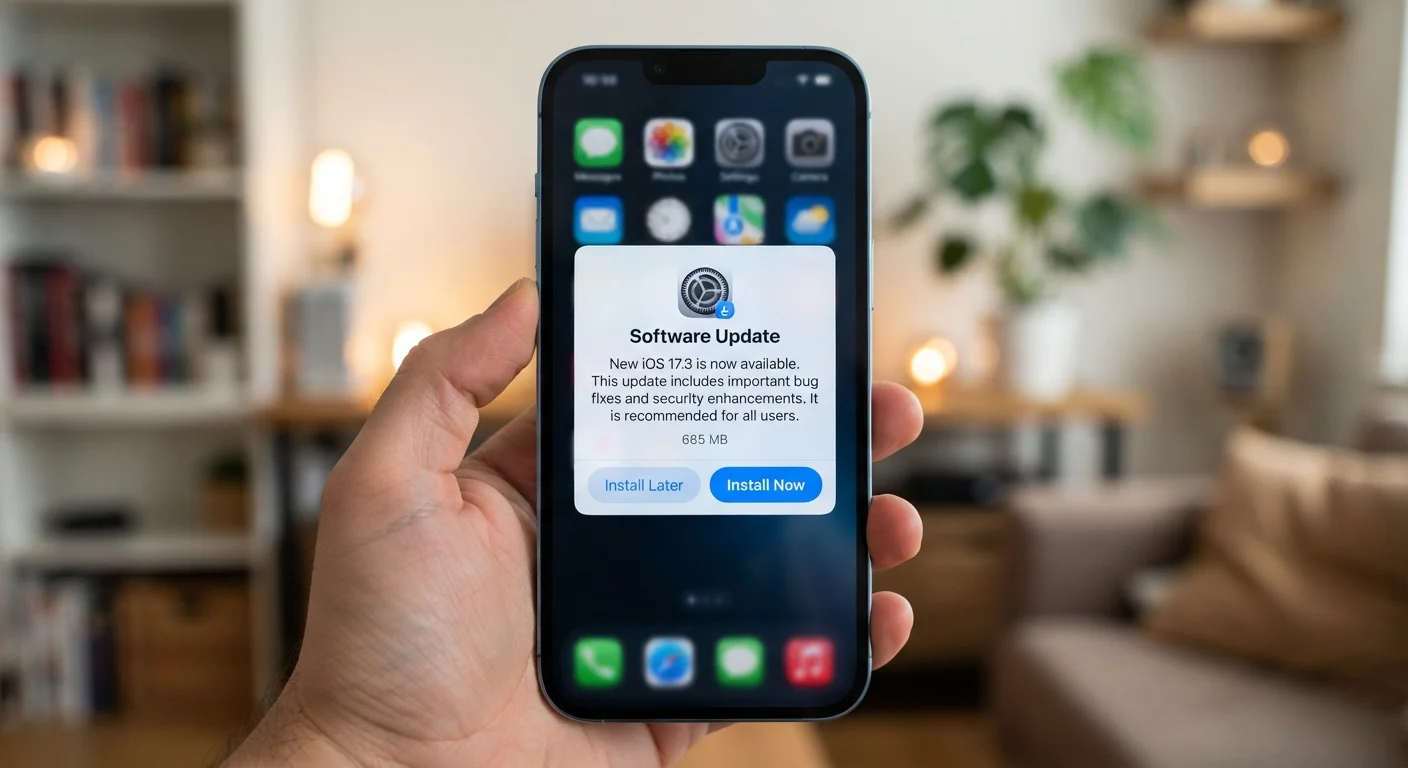
Photo: ArticleHood.com | Precision In Every Word editorial
Key Takeaways
- Most app updates contain security patches, not just new features.
- Skipping updates can leave known vulnerabilities open on your device.
- Bug fixes in updates resolve crashes and errors the developer has identified.
- Developers also use updates to maintain compatibility with newer operating systems.
- Enabling automatic updates is a low-effort way to stay protected without thinking about it.
What's Actually Inside an App Update
When your phone nudges you to update an app, it's easy to assume the developer just added a new button or redesigned a menu. But the majority of updates - particularly the smaller, more frequent ones - are doing something less visible and more important.
App updates typically fall into one of three categories:
- Security patches: Fixes for vulnerabilities that could be exploited by malicious actors. These are often the most urgent updates, even if they produce no visible change in the app.
- Bug fixes: Repairs for crashes, freezes, incorrect behavior, or errors that users or the development team have reported. The app may seem to work fine for you, but a bug affecting millions of users warrants a fix regardless.
- Feature or compatibility updates: New functionality, or adjustments to keep the app running correctly alongside updated operating systems and device hardware.
Understanding the difference between an app and the operating system it runs on helps clarify why updates happen in layers - your device's OS, its firmware, and individual apps each update on their own schedules.
~60%
Of app vulnerabilities are patchable via updates
Security research consistently shows a large share of exploited app vulnerabilities had patches available that users hadn't yet applied.
Millions
App updates released globally each month
Apple and Google both report that developers push updates to the App Store and Google Play on a continuous, high-volume basis throughout each month.
Days to weeks
Typical window between vulnerability discovery and patch release
Responsible disclosure practices generally give developers a limited window to issue a fix before a security flaw becomes publicly known.
Why Security Patches Matter More Than You'd Think
Security vulnerabilities in apps are discovered constantly - by the developers themselves, by independent security researchers, and sometimes by people with harmful intentions. When a flaw is found, the developer's goal is to issue a fix before it can be widely exploited.
These patches don't make headlines the way data breaches do, but they're the first line of defense against them. A vulnerability in a banking app, email client, or even a photo editor could potentially expose your data or allow unauthorized access to device functions.
Enable Automatic Updates for Peace of Mind
This connects directly to the permissions apps already hold on your device. If an app has access to your contacts, camera, or location - as explained in our look at what app permissions actually grant - a security flaw in that app becomes a larger concern. Keeping it updated limits the window of exposure.
Compatibility: Updates That Keep Apps From Breaking
Every major operating system update - whether iOS or Android - changes how apps interact with the underlying hardware and software. Developers must update their apps to remain compatible, or risk apps that crash, display incorrectly, or simply stop working altogether.
This is why you'll sometimes see a wave of app updates right after Apple or Google releases a significant OS update. Developers have usually been testing against the new OS in advance, but the final release often surfaces edge cases that need quick fixes.
Update Notes Are Worth a Quick Read
If you're curious about what's happening when your data moves seamlessly between devices after an update, our explainer on how app syncing works behind the scenes covers the mechanics in plain terms.
When Skipping Updates Creates Real Problems
Most people delay updates for the same reasons: they're in the middle of something, the update takes time, or they're worried the app will change in a way they don't like. These are understandable reactions, but the risks of consistently skipping updates accumulate over time.
An outdated app may eventually lose access to server-side features because the developer no longer supports older versions. Security flaws in unpatched apps remain open indefinitely. And if an app stores sensitive data - financial accounts, health information, personal messages - the stakes of leaving a known vulnerability unaddressed are meaningfully higher.
For most users, enabling automatic updates resolves this without any ongoing effort. If you prefer more control, checking update notes in the app store takes about thirty seconds and tells you exactly what a given update addresses.
Separately, if you're monitoring what apps are installed and active on your devices, our guide to auditing your digital subscriptions is a useful companion exercise for keeping your app library manageable.
Frequently Asked Questions
The content on this site is for informational purposes only and is not a substitute for professional advice. Always consult a qualified professional for guidance specific to your situation.