
Native App vs. Web App: Why the Difference Matters to You

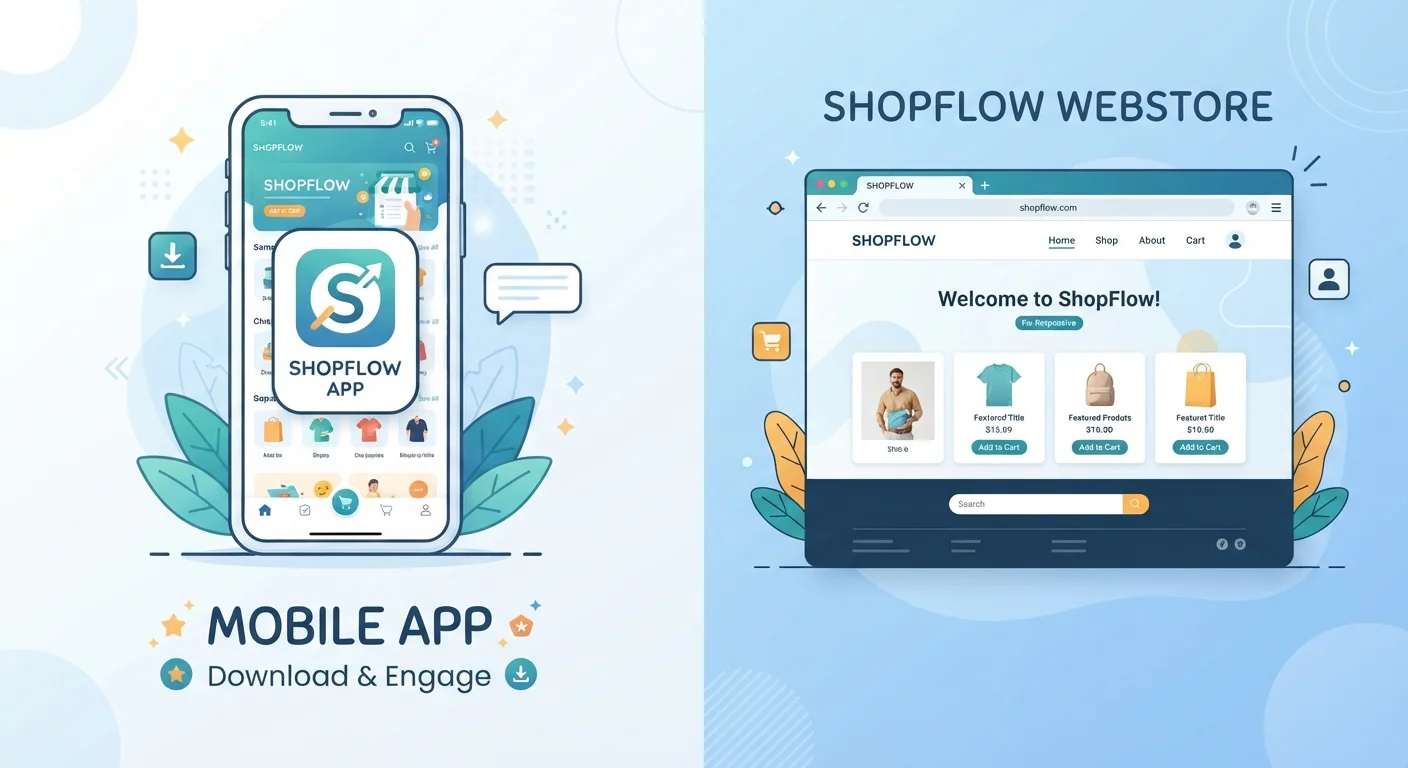
Photo: ArticleHood.com | Precision In Every Word editorial
Key Takeaways
- Native apps are installed on your device and can work offline; web apps run in a browser and generally need an internet connection.
- Native apps can access hardware features like GPS, camera, and push notifications more reliably than web apps.
- Web apps take up no storage on your device and are automatically up to date when you open them.
- Many services offer both options - the right choice depends on how often you use the service and what you need it to do.
- Progressive Web Apps (PWAs) blur the line by offering some native-like features directly from a browser.
What Each Type of App Actually Is
When someone says "app," they could mean two very different things. A native app is software you download and install directly onto a device - from the Apple App Store, Google Play, or a similar platform. It's built specifically for a particular operating system, which is why an iPhone app and an Android app for the same service are actually separate programs. For a plain-language breakdown of how apps fit into the broader software stack, see how operating systems, firmware, and apps differ.
A web app, on the other hand, runs inside a browser like Chrome, Safari, or Firefox. You visit a URL, and the interface loads just like a webpage - except it behaves more like an application, allowing you to do things like edit a document, send a message, or manage a calendar. Nothing gets installed on your device.
There's also a middle ground worth knowing about: Progressive Web Apps (PWAs). These are web apps that have been enhanced to behave more like native apps - they can send notifications, load offline, and even be added to your home screen. Google Maps and Twitter/X both offer PWA versions as an example of this approach.
How They Differ in Practice
The technical distinction matters most when it starts affecting your everyday experience. Here's where native and web apps diverge most noticeably:
| Criterion | Native App | Web App |
|---|---|---|
| Installation required | Yes - downloaded to device | No - opens in a browser |
| Works offline | Often yes | Rarely (PWAs partially) |
| Device storage used | Yes - can grow over time | Minimal to none |
| Hardware access (camera, GPS) | Full, consistent access | Limited, browser-dependent |
| Push notifications | Yes | Limited (PWAs can enable) |
| Updates | Manual or auto via app store | Automatic, server-side |
| Cross-device access | Requires install per device | Any browser, any device |
Storage and updates are a key trade-off. Native apps occupy space on your device - and that footprint often grows over time as cache and data accumulate. Why apps use more storage than expected explains how that happens in detail. Web apps, by contrast, store almost nothing on your device and are always running the latest version - you don't need to approve or wait for updates.
Offline functionality is where native apps have a clear edge. Because they store core data locally, many native apps - music players, note-taking tools, navigation - continue working when you lose your connection. Most web apps go dark without internet, though PWAs are narrowing this gap.
Hardware access also differs meaningfully. A native app on your phone can tap into your camera, microphone, GPS, gyroscope, and contact list with relatively few restrictions. Browsers have gained some of these permissions over time, but native apps still integrate more deeply and consistently with device-level features.
Data, Privacy, and What Each Approach Means for You
Both native and web apps collect data - the format doesn't determine how responsibly a service handles your information. But where and how data is stored differs. Native apps can store files, settings, and credentials locally on your device, while web apps typically keep most of your data server-side, syncing it to your account in the cloud. How app syncing actually works walks through what that process looks like behind the scenes.
When Web Apps Collect Just as Much Data
Updates are another consideration. Native apps require you (or your device's auto-update setting) to download and install new versions. If you delay, you may be running outdated software. Web apps update silently on the server, so you're always using the current version - though this also means changes happen without your input. What app updates actually fix covers why staying current matters for security, not just features.
Choosing Based on How You Actually Use the Service
For most people, the decision comes down to frequency and function. If you open a service several times a day - email, banking, music streaming - a native app usually delivers a faster, smoother experience. The interface is tuned to your device's screen size and operating system, animations feel more fluid, and you get notifications without the service needing to be open in a tab.
If you use a tool occasionally - filing a form, checking a reference, managing a project on a work trip - the web app is often perfectly adequate. There's nothing to install, it works on any device with a browser, and it doesn't compete for storage with your photos and podcasts.
Some services split their feature sets deliberately: the native app might offer richer video calling capabilities, for instance, while the web version handles basic tasks fine. What separates video calling apps beyond brand recognition gives a practical look at how those differences play out. Similarly, how free and paid app tiers work can help if you're weighing whether a native app's premium tier is worth it over the free browser version.
Neither format is universally better. The right choice is the one that fits the way you actually use a given service.
The content on this site is for informational purposes only and is not a substitute for professional advice. Always consult a qualified professional for guidance specific to your situation.