
Free vs. Paid App Tiers: Understanding What You Actually Get

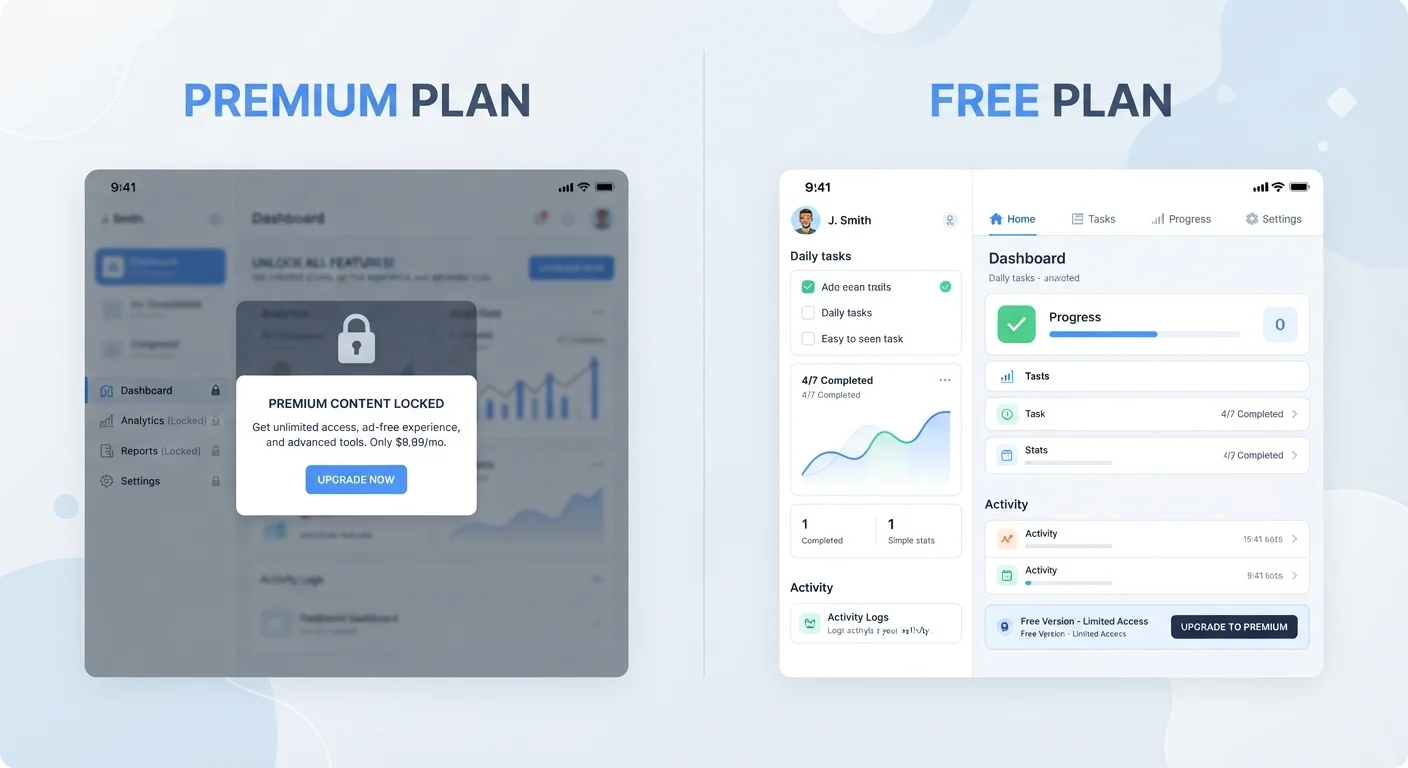
Photo: ArticleHood.com | Precision In Every Word editorial
Key Takeaways
- Freemium apps give you a functional baseline for free but lock advanced features behind a paywall.
- Subscriptions provide ongoing access; one-time purchases give permanent ownership of a fixed version.
- Free tiers often involve trade-offs like ads, data collection, or usage limits.
- Knowing your actual usage needs is the most reliable way to decide whether upgrading is worth it.
The Three Main Pricing Models, Explained
Walk into any app store and you'll encounter three core pricing structures - often all three from the same developer. Understanding what they mean makes it far easier to decide what's worth your money.
Freemium means the app is free to download and use at a basic level, but certain features, storage limits, or content are locked behind a paid upgrade. Think of cloud storage services that give you a set amount of space for free, then charge monthly for more. The word itself blends "free" and "premium."
Subscription means you pay on a recurring basis - monthly or annually - to maintain access. Stop paying, and your access typically reverts to a free tier or stops altogether. This model has become common for productivity software, streaming services, and creative tools.
One-time purchase (sometimes called a perpetual license) means you pay once and own that version of the software indefinitely. Updates may be included for a limited period, or a new major version might cost extra. This model is less common for consumer apps today but still exists, particularly for desktop software. For a broader look at how these costs fit into your overall budget, see how fixed and variable costs work.
What Free Tiers Actually Cost You
A free tier isn't the same as a free product. Developers need revenue, and if you're not paying with money, something else is usually in play.
- Advertisements: Many free apps display ads - sometimes occasionally, sometimes constantly. The ad revenue funds the product.
- Data collection: Some apps monetise aggregated usage data or personalise ads based on your behaviour. This is generally disclosed in privacy policies, though those can be lengthy and technical. The plain-language software glossary can help decode terms you'll see in those documents.
- Feature or usage caps: Free tiers often limit how many projects you can create, how much storage you get, or how many times per month you can use a specific tool.
- Reduced support: Free users frequently get lower-priority customer support, or only access to community forums rather than direct help.
None of these trade-offs are hidden or inherently unfair - but being aware of them helps you make an honest assessment of whether a free tier genuinely meets your needs.
Watch for Automatic Upgrade Prompts
How Subscriptions and One-Time Purchases Compare
The choice between recurring subscriptions and one-time purchases is partly financial and partly philosophical.
| Free Tier | Subscription | One-Time Purchase | |
|---|---|---|---|
| Upfront cost | None | None or low | Higher initial payment |
| Ongoing cost | None (may include ads) | Regular recurring fee | None after purchase |
| Access to new features | Limited or delayed | Included as released | Depends on update policy |
| What happens if you stop paying | No change | Reverts to free or loses access | Keep the version you bought |
| Best for | Light or trial use | Regular, ongoing use | Stable, defined needs |
Subscriptions keep software current - you typically get new features as they roll out. One-time purchases lock you into a version, which can be fine if the software already does everything you need. Where subscriptions create risk is in the long run: if a service shuts down or raises prices significantly, your access changes. One-time purchases carry the risk that the app stops receiving updates or becomes incompatible with newer operating systems over time.
If you're already paying for multiple subscriptions and wonder how they add up, auditing your digital subscriptions is a practical next step.
How to Decide Whether Upgrading Is Worth It
Before paying for a premium tier, it's worth answering a few straightforward questions:
- Are you actually hitting the free tier's limits? If the cap doesn't affect how you use the app, the free version is working as intended.
- Do you use the app regularly? A subscription cost is easier to justify for daily tools than for something you open once a month.
- Which specific paid features would you use? Review the upgrade page and honestly identify which locked features you'd actually use, not just which ones sound appealing.
- Is a free trial available? Many apps offer a 7- or 30-day trial of the paid tier. Use it actively - replicate your real workflow - before committing.
Use the Trial Period Like You Mean It
Also worth considering: whether you need the app in its native form at all. Sometimes the web version of a service covers your needs without any download. Native app vs. web app walks through that decision in plain terms.
The content on this site is for informational purposes only and is not a substitute for professional advice. Always consult a qualified professional for guidance specific to your situation.