
A Plain-Language Glossary of Software Terms You See Every Day

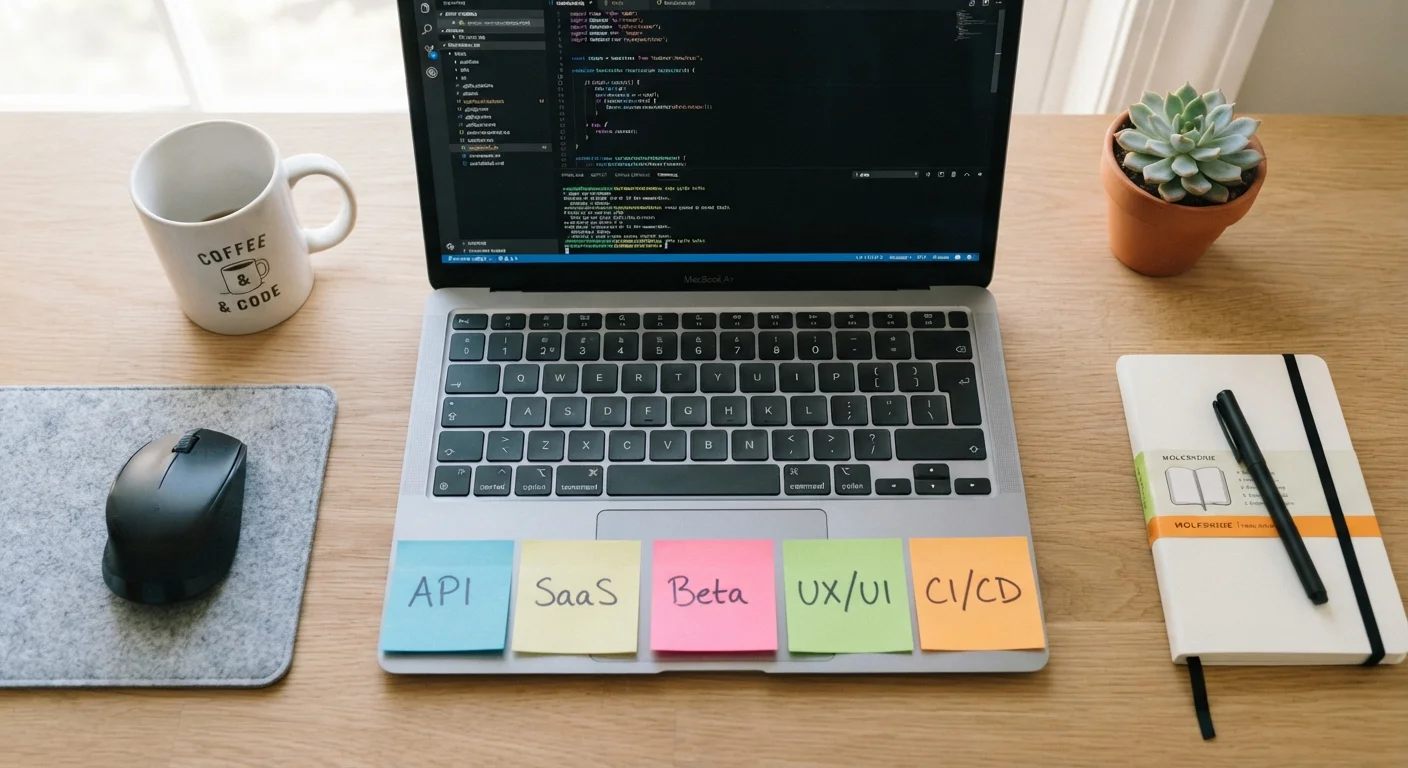
Photo: ArticleHood.com | Precision In Every Word editorial
Why Software Vocabulary Matters for Everyday Users
You don't need to be a developer to run into terms like API, SaaS, or open source. They show up in app store descriptions, news articles, privacy policies, and upgrade prompts. When you know what they mean, you can make smarter decisions about the tools you use - and spot marketing language for what it is.
This glossary covers the software terms most likely to cross your screen, explained in plain language with real-world context. For hardware vocabulary, see our smartphone specs guide. And if you encounter networking jargon at home, our internet connectivity glossary covers that territory too.
| What 'SaaS' stands for | Software as a Service |
| What a beta release means | A pre-launch version open to outside testers |
| What clearing your cache does | Deletes locally saved temporary files so fresh data loads |
| Open source means | The software's code is publicly viewable and modifiable |
| Two-factor authentication (2FA) | Adds a second login step beyond your password |
| API in plain terms | A bridge that lets two apps share data automatically |
Core Software Concepts, Defined
The following terms appear constantly in app descriptions, subscription sign-ups, and tech news. Each definition focuses on what the term means for you as a user, not for a programmer.
API
Application Programming Interface. An API is a set of rules that lets two pieces of software talk to each other. When a weather app displays your local forecast, it's probably using an API to pull data from a weather service - you never see this exchange, but it's happening in the background.
SaaS
Software as a Service. Instead of buying a program once and installing it, SaaS means you pay (usually monthly or annually) to access software hosted online. Email platforms, document editors, and project management tools are common examples.
Sandbox
An isolated environment where software can run without affecting the rest of your system. Browsers use sandboxing to keep web pages from accessing your files; developers use sandboxes to test code safely before it goes live.
Backend / Frontend
The frontend is everything a user sees and interacts with - buttons, text, images. The backend is the server-side logic and databases that power those interactions. When an app 'goes down,' the problem is usually on the backend.
Cache
A temporary storage layer that saves copies of data so it can be retrieved faster next time. Your browser caches images and scripts from websites you visit, which is why clearing your cache can fix certain loading problems - it forces the app to fetch fresh data.
Authentication / Two-factor Authentication
Authentication is the process of verifying your identity when you log in. Two-factor authentication (2FA) adds a second verification step - usually a code sent to your phone - on top of your password, making unauthorized access significantly harder.
Encryption
A method of scrambling data so that only someone with the correct key can read it. End-to-end encryption means even the company providing the service cannot read your messages - only the sender and recipient can.
Legacy Software
Older software that is still in use even though it may no longer receive active updates or support. Legacy systems are common in industries like healthcare and finance, where switching costs are high and reliability requirements are strict.
Understanding pricing vocabulary is equally important. Our article on free vs. paid app tiers explains how freemium, subscriptions, and one-time purchases actually differ in practice.
Terms You'll See During Updates and Testing
Alpha and Beta
When a software company wants real-world feedback before a full launch, it releases early versions to a limited audience. An alpha is an early internal build - rough, often incomplete, and typically tested only by the company's own team. A beta is the next stage: more polished, but still not final, and opened to a wider group of outside testers. When you sign up for a beta program, you're agreeing to use software that may still have bugs in exchange for early access.
Patch and Update vs. Upgrade
A patch is a small, targeted fix - usually addressing a security vulnerability or a specific bug. An update is broader: it may include multiple patches plus minor new features. An upgrade typically refers to a major version change (for example, moving from version 12 to version 13), which may alter the interface or require a new purchase. Most devices prompt you for updates automatically; ignoring them, especially security patches, leaves your device more exposed to known vulnerabilities.
Rollback
If a new update causes problems, developers can issue a rollback - reverting the software to an earlier version. As a user, you may also be able to manually roll back an app if your device or platform supports it, though this is less common on mobile.
Beta Doesn't Always Mean Broken
Platform and Architecture Terms
Cloud vs. Local
Local software runs and stores data directly on your device. Cloud software runs on remote servers and delivers results through your internet connection. Many modern apps are a hybrid: the app itself is local, but your files and settings sync to the cloud. This is why you can open the same document on your phone and your laptop.
Cross-platform
A cross-platform app works across multiple operating systems - Windows, macOS, Android, iOS - without requiring separate versions. When an app is not cross-platform, it typically means a feature available on one device won't appear on another.
Open Source vs. Proprietary
Open-source software has publicly available code that anyone can inspect, modify, or distribute under the terms of its license. This can be a trust signal: independent researchers can audit it for security issues. Proprietary software keeps its code private; only the company that owns it can see or modify it. Neither model is inherently safer or better - both have strong, well-maintained examples.
If you're curious how these concepts relate to the hardware running your software, our processor terms lookup guide explains CPU vocabulary in the same plain-language format.
80%+
Share of business software now delivered as SaaS
Industry analysts have consistently estimated that the majority of new enterprise software deployments are cloud-based or SaaS, a trend that accelerated through the 2020s.
2×
How much more secure accounts with 2FA tend to be
Security researchers and platform providers broadly report that two-factor authentication blocks the vast majority of automated credential-stuffing attacks.
The content on this site is for informational purposes only and is not a substitute for professional advice. Always consult a qualified professional for guidance specific to your situation.