
Processor Cores, Clock Speed, and Threads: A Lookup Guide for Confused Shoppers

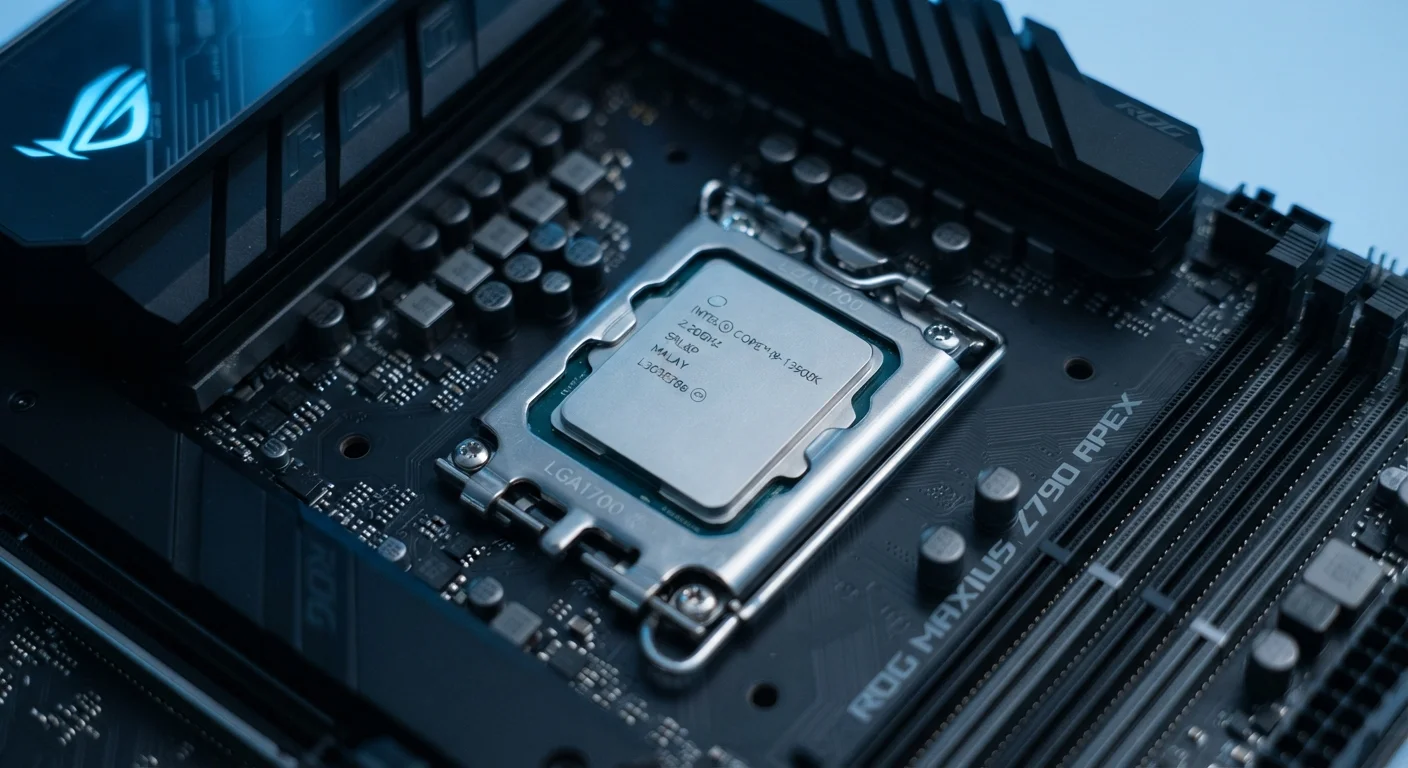
Photo: ArticleHood.com | Precision In Every Word editorial
What Each CPU Term Actually Means
When you open a laptop or phone listing, the processor section can feel like a foreign language: eight cores, 3.2 GHz, 16 threads, 12 MB cache. These terms aren't arbitrary - each describes a real, measurable property of the chip. Understanding them helps you judge whether a device will handle your actual workload.
Processor (CPU)
The Central Processing Unit is the primary chip that executes instructions in a computer, phone, or tablet. Think of it as the brain of the device - it handles calculations for everything from loading a web page to running an app.
Core
A core is an independent processing unit within a single CPU chip. A chip with four cores can handle four separate tasks simultaneously, which generally leads to smoother multitasking.
Clock Speed (GHz)
Clock speed, measured in gigahertz (GHz), describes how many cycles a processor completes per second. A higher number generally means faster individual task processing, though core count and design also matter.
Thread
A thread is a sequence of instructions the CPU processes. Some CPUs support two threads per core (called simultaneous multithreading or hyperthreading), allowing each core to work on two tasks at once.
TDP (Thermal Design Power)
TDP, measured in watts, indicates how much heat a processor generates under a sustained workload. Higher TDP chips typically need more cooling and consume more battery power.
Cache
Cache is a small, extremely fast memory bank built directly into the CPU. It stores frequently used data so the processor doesn't have to fetch it repeatedly from slower main memory (RAM).
For a broader look at the software that runs on top of these chips, see our guide to operating systems, firmware, and apps.
Cores vs. Clock Speed: Which Matters More?
This is the question most shoppers wrestle with, and the honest answer is: it depends on what you do.
| Unit for clock speed | Gigahertz (GHz) |
| Typical consumer laptop cores | 4 to 16 cores |
| Threads per core (hyperthreading) | Up to 2 per core |
| Common CPU cache levels | L1, L2, and L3 |
| Smartphone chip type | SoC (System on a Chip) |
| Power efficiency metric | TDP (watts) |
Clock speed matters most for tasks that happen one step at a time - opening a single large file, loading a webpage, or running a simple script. A faster clock means each individual step completes more quickly.
Core count matters most for tasks that can run in parallel - editing video while music plays in the background, running multiple browser tabs, or compiling software. More cores mean the device can genuinely work on several things at once rather than rapidly switching between them.
2-3×
Multitasking improvement: 4 cores vs. 2 cores
Industry benchmarks consistently show that doubling core count roughly doubles throughput for parallel workloads, though real-world gains vary by software design.
~30%
Performance uplift from hyperthreading
Chip designers generally estimate simultaneous multithreading can improve throughput on supported workloads by roughly 15-30%, depending on the application.
Threads add a layer on top of cores. When a chip supports two threads per core (often called hyperthreading or simultaneous multithreading), the operating system sees twice as many logical processors as physical cores. This helps with moderately parallel workloads but is less impactful than adding real physical cores.
Clock Speed Alone Doesn't Tell the Whole Story
For a full breakdown of what these numbers mean inside a smartphone specifically, see what smartphone specs actually mean.
Practical Context: Matching Specs to Real Use
Here is a quick way to match the spec sheet to your actual needs:
- Light everyday use (email, web, streaming): A 4-core chip at a modest clock speed is more than sufficient. Battery life and TDP become more important than raw performance.
- Moderate productivity (spreadsheets, video calls, light photo editing): 6-8 cores with a clock speed above 2.5 GHz handles this comfortably for most users.
- Heavy workloads (video editing, 3D rendering, software development): 10+ cores, high clock speeds, and a generous L3 cache start to make a noticeable difference.
- Smartphones and tablets use a System on a Chip (SoC) - where CPU cores, GPU, and other components share a single package. Efficiency cores (for light tasks) and performance cores (for demanding tasks) often coexist on the same chip to balance speed and battery life.
If you want to decode more of the vocabulary that surrounds these specs in product listings and news articles, our plain-language software glossary and the internet and connectivity glossary cover the terms that show up alongside hardware specs on a daily basis.
The content on this site is for informational purposes only and is not a substitute for professional advice. Always consult a qualified professional for guidance specific to your situation.