
How a Touchscreen Knows Where Your Finger Is

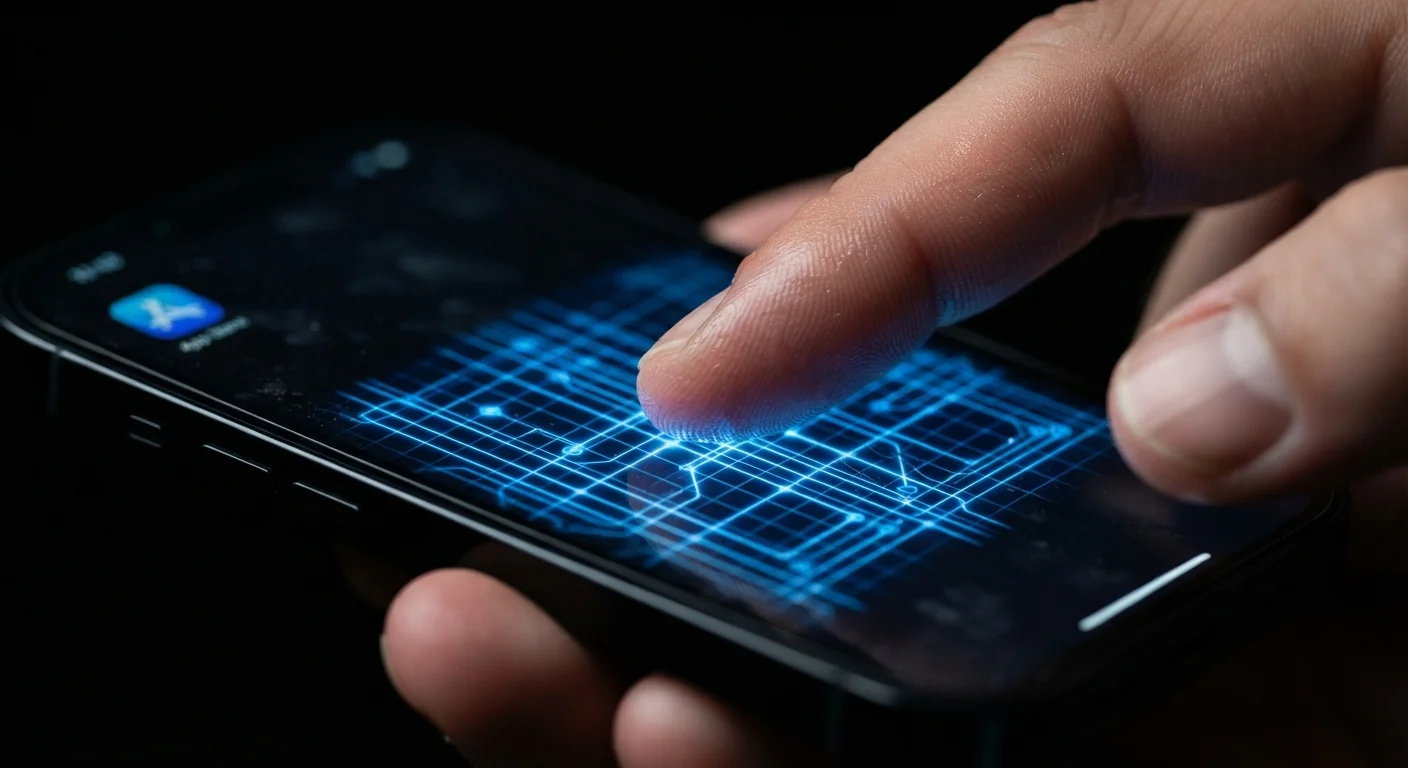
Photo: ArticleHood.com | Precision In Every Word editorial
Key Takeaways
- Most modern touchscreens use capacitive technology, which detects your finger's electrical properties - not physical pressure.
- Resistive touchscreens, used in older devices and some industrial equipment, work by pressure and don't require a bare finger.
- Gloves block capacitive screens because most glove materials don't conduct electricity the way skin does.
- Multi-touch gestures like pinch-to-zoom are possible because the screen tracks multiple disruption points simultaneously.
- The display layer and touch-sensing layer are separate components - what you see and how the screen detects touch are handled independently.
The Invisible Grid Under the Glass
Tap the screen on your phone and something happens instantly - a button activates, a page scrolls, a photo zooms in. That responsiveness feels effortless, but underneath it is a precise piece of engineering working several hundred times per second.
Nearly every smartphone, tablet, and laptop touchpad sold today uses capacitive touch technology. The glass surface of the screen sits over a transparent grid of electrodes - thin conductive wires arranged in rows and columns. This grid carries a faint, low-voltage electrical field across the entire surface at all times.
When your finger approaches (or touches) the screen, it disrupts that field at one specific location. Your skin is a conductor, meaning it can store and redirect a small electrical charge. The screen's controller chip reads the change at each grid intersection and triangulates the precise X and Y coordinate of your touch - often with accuracy down to a fraction of a millimeter.
Touch Detection Doesn't Measure Pressure
This is why your touchscreen can respond to a light hover as well as a firm press - it's detecting an electrical change, not measuring force. The screen doesn't know how hard you pressed; it knows where you touched.
How Multi-Touch Actually Works
Pinching to zoom and swiping with multiple fingers feel natural now, but they require the screen to track several contact points simultaneously. The capacitive grid makes this possible.
Because the entire grid is sampled at once, the controller can detect disruptions at multiple locations in the same scan. Each finger creates its own local disturbance in the field, and the chip identifies each one as a separate contact point. Software on the device then interprets the relationship between those points - two fingers moving apart means zoom in; two fingers rotating means rotate the image.
Most modern smartphone screens support ten or more simultaneous touch points, though everyday use rarely needs more than two or three. The refresh rate of the touch sensor - how many times per second it samples the grid - is what makes touch feel immediate rather than laggy.
Getting More From Your Touchscreen
If you're curious about how the screen you're touching connects to everything else your phone does, see our guide Inside Your Smartphone: What All Those Specs Actually Mean for a broader breakdown of the hardware at work.
Resistive Screens: The Older Approach
Before capacitive screens became the consumer standard, many devices used resistive touchscreens - and they still appear in some ATMs, point-of-sale terminals, and industrial equipment today.
A resistive screen has two thin, flexible layers separated by a tiny air gap. When you press down, the top layer flexes and touches the bottom layer, completing an electrical circuit. The device reads where that circuit closed and registers your touch.
~120 Hz
Touch sensor sampling rate on flagship phones
Many current high-end smartphones scan their touch grid up to 120 or even 240 times per second, contributing to the near-instantaneous feel of touch response.
2
Layers in a resistive touchscreen
A resistive screen stacks two conductive layers separated by an air gap; pressing the top layer closes the circuit and registers a touch location.
Resistive screens work with any object - a fingernail, a gloved hand, or a generic stylus. The trade-off is that they require deliberate physical pressure, which makes them feel less responsive, and the extra layers reduce brightness and clarity compared to a capacitive display. They also can't support multi-touch in the same natural way.
Understanding the difference helps explain why older PDAs and some rugged devices respond to a stylus poke but struggle with a light swipe, while your phone glides effortlessly with a featherlight touch. The underlying physics are simply different.
The Touch Layer and the Display Layer Are Separate
One common misconception is that touching the screen directly affects the pixels. In reality, the touch-sensing layer and the display layer are distinct components stacked together inside the device.
The display - whether LCD or OLED - produces the image you see. The touch sensor sits on top of or is laminated into the display stack and handles detection entirely separately. When you tap an icon, the touch layer reports a coordinate to the processor, and the processor tells the display what to show in response.
This separation matters practically. A cracked touch layer can stop your screen from responding even if the display still shows a perfect image - and vice versa. Screen resolution and touch sensitivity are also independent specifications. For more on how screen technology shapes what you see, our explainer on screen resolution and panel types covers the display side in depth.
What makes modern touchscreens impressive isn't any single breakthrough - it's how precisely these layers cooperate, scanning and responding faster than the human eye can track.
Frequently Asked Questions
The content on this site is for informational purposes only and is not a substitute for professional advice. Always consult a qualified professional for guidance specific to your situation.