
Smart Home Devices From Scratch: A Beginner's Map of the Ecosystem

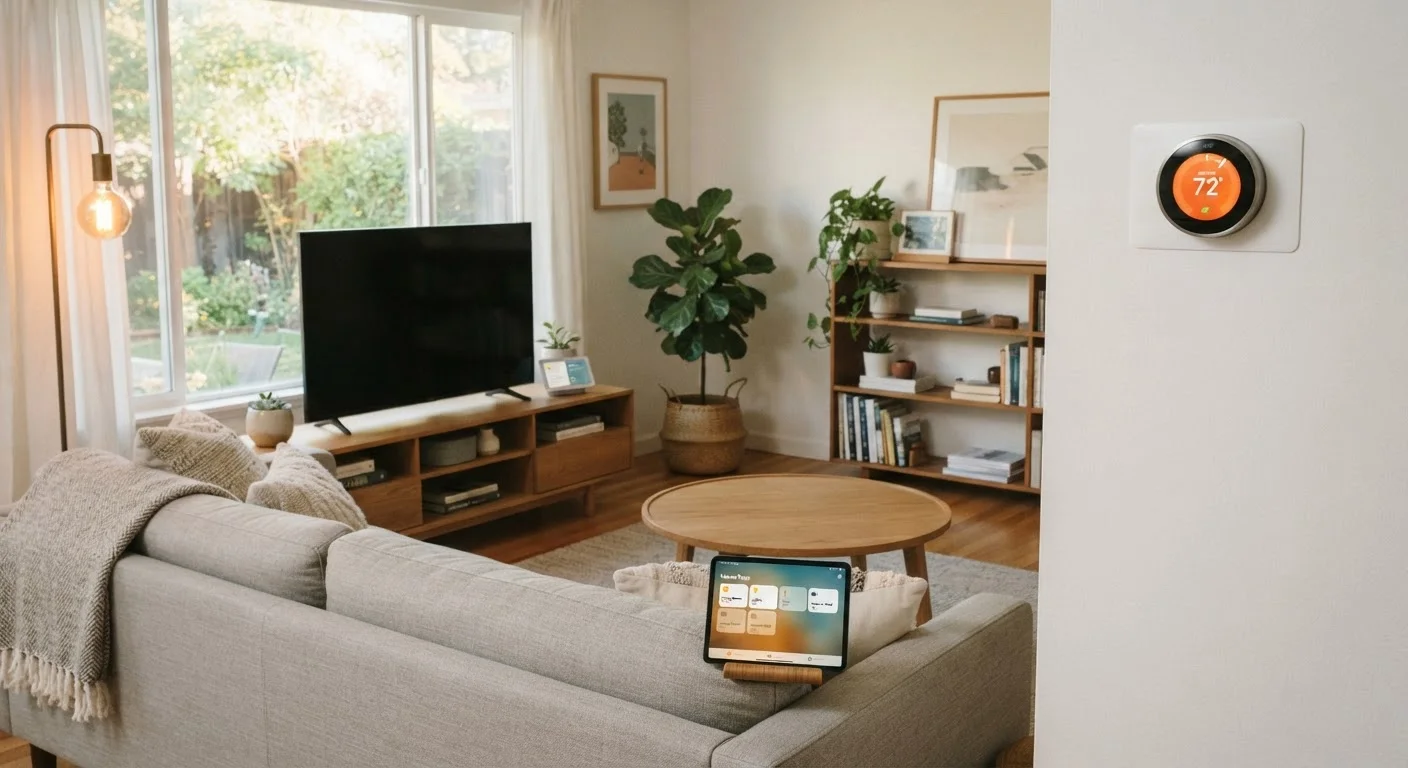
Photo: ArticleHood.com | Precision In Every Word editorial
Key Takeaways
- A smart home is built from devices, a hub or app, a communication protocol, and a network connection.
- Devices use different wireless protocols - Wi-Fi, Zigbee, Z-Wave, Thread - each with trade-offs in range and power use.
- Matter is a newer, cross-brand standard designed to make devices work together regardless of manufacturer.
- A strong, reliable Wi-Fi network is the foundation every smart home depends on.
- Starting with one room or one problem area - like lighting or a thermostat - is the most manageable approach.
What a Smart Home Actually Is
A smart home is simply a living space where everyday devices - lights, locks, thermostats, cameras - can be controlled remotely or automatically, usually through a smartphone app or voice command. The word "smart" means the device can send and receive data, rather than just responding to a physical switch.
This isn't a single product you buy. It's an ecosystem you build gradually, connecting individual devices so they can work independently or in coordination. A smart bulb that dims on a schedule and a sensor that turns off the lights when a room is empty are both smart home technology - just at different levels of complexity.
A reliable home network is the backbone of all of this. Before adding any smart devices, it helps to have a solid understanding of your Wi-Fi setup. Our guide to setting up a home Wi-Fi network covers the fundamentals if you're starting from scratch.
Hub
A central device that connects and coordinates smart home gadgets, especially those that don't communicate over standard Wi-Fi. Not all setups require one.
Protocol
The communication standard a device uses to send and receive data. Common smart home protocols include Wi-Fi, Zigbee, Z-Wave, and Thread.
Mesh network
A network where each device can relay signals to its neighbors, extending overall coverage without requiring every device to connect directly to a central point.
Matter
A cross-brand smart home standard that allows devices from different manufacturers to work together in the same ecosystem without compatibility issues.
Automation
A pre-set rule that causes devices to act without manual input - for example, a sensor triggering a light to turn on when motion is detected.
Ecosystem
The collection of apps, hubs, voice assistants, and devices that are designed to work together under a shared platform, such as Amazon Alexa or Apple HomeKit.
The Four Building Blocks of Any Smart Home
Regardless of brand or budget, every connected home relies on the same four layers:
- End devices - The actual gadgets: bulbs, plugs, door sensors, cameras, thermostats. These are what you interact with or what automates a task.
- A hub or app - The coordination layer. This is either a dedicated hub device or a smartphone app that connects and manages your devices. Some ecosystems use a physical hub; others work entirely through cloud software.
- A communication protocol - The language devices use to talk to each other and to the hub. More on this in the next section.
- A network connection - Typically your home Wi-Fi, though some protocols use their own radio signals instead of Wi-Fi directly.
Understanding these layers helps you avoid a common frustration: buying a device that doesn't work with your existing setup because it uses a different protocol or requires a hub you don't have.
Start with what you already own
How Devices Talk to Each Other: Protocols Explained
A protocol is simply a set of agreed-upon rules that devices use to communicate. In smart homes, four protocols dominate:
- Wi-Fi - Used by many popular devices because almost every home already has it. Wi-Fi devices connect directly to your router without a hub. The trade-off: they consume more power and add load to your network.
- Zigbee - A low-power radio protocol designed for smart home use. Zigbee devices form a mesh network, meaning each device can relay signals to extend coverage. Requires a compatible hub.
- Z-Wave - Similar in concept to Zigbee, also mesh-based and low-power, but uses a different radio frequency and has stricter certification requirements. Requires a hub.
- Thread - A newer mesh protocol that underpins the Matter standard. Thread is built into many newer devices and doesn't rely on a cloud connection for local communication.
Matter deserves a special mention. It's an industry-wide standard, backed by major technology companies, designed so that devices from different manufacturers can work together in the same ecosystem. If a device is labeled Matter-compatible, it should work with any Matter-supported hub or app, regardless of brand.
Matter is still rolling out
Voice Assistants and App Control
Most smart home setups are controlled through two main interfaces: a smartphone app and a voice assistant. These aren't mutually exclusive - most people use both.
Smartphone apps let you control devices manually, set schedules, create automations ("turn off all lights at 11 PM"), and monitor sensor data. Each device brand typically has its own app, but platform apps - like Apple Home, Google Home, or Amazon Alexa - can consolidate multiple brands into one interface.
Voice assistants - Amazon Alexa, Google Assistant, and Apple's Siri via HomeKit - let you control devices hands-free. Their usefulness depends on how well your devices are supported within that ecosystem. For a closer look at the hardware side, our overview of smart speakers, displays, and hubs explains what each type of device actually does.
Choosing an ecosystem early - even loosely - helps you avoid buying devices that don't integrate well together. That said, Matter is steadily reducing this problem for newer hardware.
Where to Start: A Practical First Step
The most common advice for smart home beginners is also the most practical: start small and solve a specific problem. Adding smart lighting to a single room, for instance, teaches you how apps and schedules work without overwhelming your network or your budget.
A few guiding questions before you buy anything:
- Which protocol does this device use, and do I already have the hub it needs?
- Which voice assistant or app ecosystem am I building around?
- Does this device support Matter, giving me flexibility later?
As your setup grows, you may encounter devices that become unresponsive or behave unpredictably. Our article on why smart home devices stop responding explains the common network and protocol issues behind those problems.
Smart homes are built incrementally. Understanding the ecosystem map - devices, hubs, protocols, and control interfaces - gives you a foundation to make decisions that hold up as your setup evolves.
Wi-Fi Network Setup Guide
Before adding smart devices, a solid home network is essential. This walkthrough covers setting up home Wi-Fi from scratch, including router placement and device connection order.
Smart Speakers, Displays, and Hubs Explained
Understand the difference between smart speakers, smart displays, and dedicated hubs - and how each fits into a connected home ecosystem.
Frequently Asked Questions
The content on this site is for informational purposes only and is not a substitute for professional advice. Always consult a qualified professional for guidance specific to your situation.