
Fibre, Cable, DSL, and Fixed Wireless: A Plain-English Breakdown

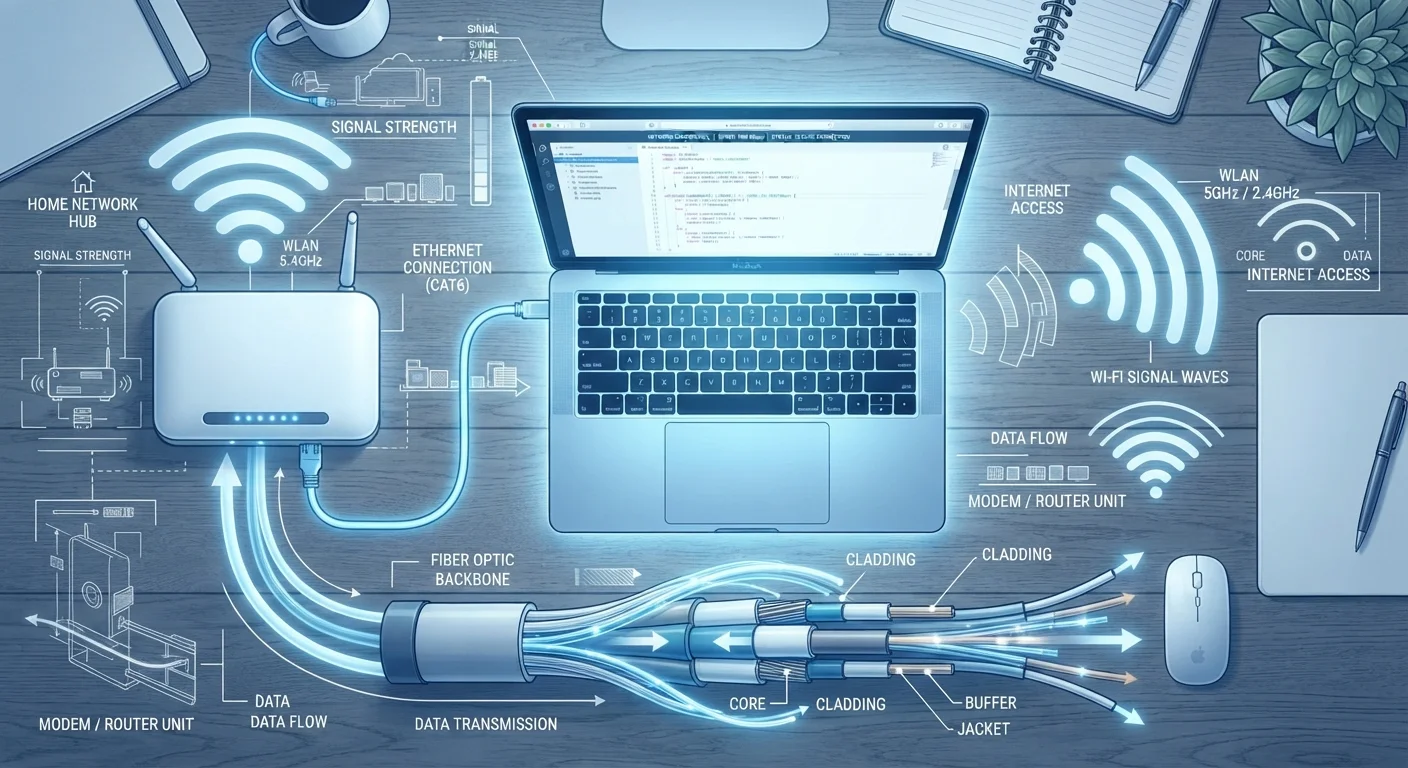
Photo: ArticleHood.com | Precision In Every Word editorial
Key Takeaways
- Fibre delivers the fastest and most symmetrical speeds but isn't yet available in all areas.
- Cable internet uses the same coaxial lines as TV service and is widely available but shares bandwidth with neighbours.
- DSL runs over phone lines and is slower, but often the only wired option in rural areas.
- Fixed wireless sends internet signals through the air to a receiver on your home - no trenching required.
Why the Connection Type Matters
Most people pick an internet plan based on the price or the advertised speed - but the underlying technology matters just as much. Two plans offering the same download speed can feel completely different in daily use depending on how that signal gets to your home. Before diving into each type, it helps to understand one key idea: the infrastructure carrying your internet signal has physical limits that no plan upgrade can fully overcome.
If you've ever wondered what Mbps or latency actually mean for streaming or video calls, our guide to what your internet plan's numbers mean breaks that down clearly.
Fibre: The Gold Standard for Speed and Reliability
Fibre-optic internet transmits data as pulses of light through glass or plastic strands - the same principle behind the cables that carry long-distance internet traffic across continents. Because light can carry far more information than electrical signals, fibre delivers speeds that other technologies struggle to match.
The defining advantage of fibre is symmetrical speed: upload speeds match download speeds. For most households, that means faster video uploads, smoother video calls, and quicker cloud backups. Cable and DSL connections typically offer much lower upload speeds than download speeds.
The main limitation is availability. Deploying fibre requires laying new cable underground or overhead, which is expensive and time-consuming. Coverage is concentrated in cities and newer suburbs; many rural areas are still waiting.
Check Availability Before Comparing Plans
Cable: The Most Common Wired Alternative
Cable internet runs over the same coaxial cable that delivers pay-TV service. It's widely available across US suburbs and cities because the infrastructure was already in place. Speeds are generally strong - often 200 Mbps to over 1 Gbps for downloads - making cable a practical choice for most households.
The key trade-off is shared bandwidth. Unlike fibre, which typically gives each home a dedicated connection path, cable infrastructure is shared between households in a neighbourhood. During peak evening hours, speeds can dip noticeably. This is worth testing before committing to a long-term plan.
Upload speeds on cable have historically lagged behind downloads, though newer cable technology (called DOCSIS 3.1 and the emerging DOCSIS 4.0 standard) is narrowing that gap in areas where providers have upgraded their networks.
| Fibre | Cable | DSL | Fixed Wireless | |
|---|---|---|---|---|
| Typical download speed | 300 Mbps - 5 Gbps | 100 Mbps - 1+ Gbps | 10-100 Mbps | 25-300 Mbps |
| Upload speed | Matches download (symmetrical) | Much lower than download | Lower than download | Varies; often lower than download |
| Congestion sensitivity | Low - dedicated path | Higher - shared infrastructure | Low - dedicated line | Moderate - shared tower |
| Rural availability | Limited - expanding | Limited outside suburbs | Broad - phone lines required | Growing, tower-dependent |
| Distance sensitivity | Minimal | Minimal | High - degrades with distance | High - terrain and range matter |
| Infrastructure needed | Fibre cable to home | Coaxial cable to home | Copper phone line | Receiver on home, nearby tower |
DSL: Slower but Often the Only Wired Option
DSL - short for Digital Subscriber Line - delivers internet over traditional copper telephone lines. Because phone lines reach virtually every address in the US, DSL is often the only wired broadband option in rural and small-town areas where cable or fibre infrastructure hasn't been built.
The technology has real speed limits. Most DSL connections top out well below what cable or fibre can offer, and speeds drop as the distance from the provider's equipment increases. If your home is far from the nearest telephone exchange, you may receive significantly slower speeds than what's advertised.
That said, DSL is generally more stable than mobile-only options and doesn't suffer from the neighbourhood congestion that affects cable. For light browsing, email, and standard-definition video, it can still be adequate - though it struggles with 4K streaming or households with many devices active simultaneously.
Fixed Wireless: No Cables Required
Fixed wireless access (often abbreviated FWA) delivers internet via radio signals transmitted from a nearby tower to a receiver mounted on or near your home. Unlike mobile data on your phone - which is designed for movement - fixed wireless uses a stationary receiver to maintain a more consistent connection.
This makes it particularly relevant for rural areas where running physical cables is expensive or unfeasible. Providers have expanded fixed wireless coverage significantly in recent years, including through 4G LTE and 5G networks. For a closer look at how 5G fits into this picture - and what it can't do - see our piece on common 5G misconceptions.
Performance varies based on your distance from the tower, terrain, and how many users are on the same signal. Obstructions like hills, dense trees, or large buildings can reduce signal quality. Weather can also play a role, particularly with some higher-frequency setups.
~21%
US homes lacking access to 25/3 Mbps fixed broadband
The FCC has reported that tens of millions of Americans, particularly in rural areas, still lack access to baseline broadband speeds by its own definitions.
~34%
Share of US broadband subscribers on cable networks
Cable remains one of the most widely subscribed broadband technologies in the US, according to FCC fixed broadband deployment data.
Choosing the Right Connection for Your Home
The right connection type is largely determined by what's available at your address - you can't choose fibre if it hasn't been deployed in your area. But where multiple options exist, a few factors are worth comparing: speed consistency over the day (not just peak advertised speeds), upload speeds if you work from home or share large files, and whether the infrastructure is congested in your neighbourhood.
Once you understand your connection type, the next layer of performance depends on your home network setup. Our article on the difference between routers and modems explains how those devices work together - and why the distinction matters for getting the most out of any connection type. And if your speeds already feel off, diagnosing a slow connection step by step can help you find the source of the problem before calling your provider.
For a handy reference to the terminology used across all these technologies, the internet connectivity glossary covers the most common terms in plain language.
The content on this site is for informational purposes only and is not a substitute for professional advice. Always consult a qualified professional for guidance specific to your situation.