
Home Internet Explained: What the Numbers on Your Plan Actually Mean

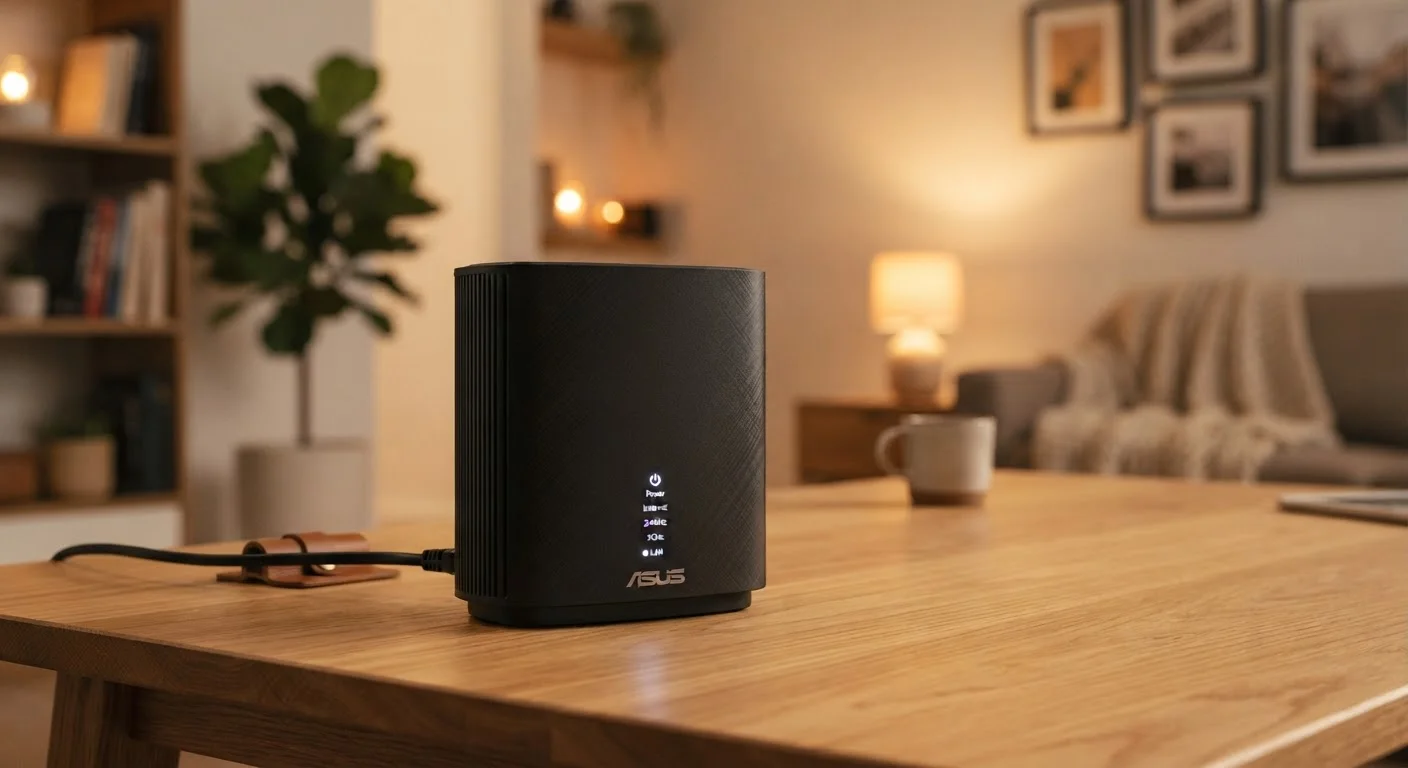
Photo: ArticleHood.com | Precision In Every Word editorial
Key Takeaways
- Mbps measures how fast data travels, not how much you can store or download overall.
- Download speed matters most for streaming; upload speed matters most for video calls and sharing files.
- Latency describes delay, not speed - low latency is critical for gaming and video calls.
- Data caps set a monthly ceiling on total usage, separate from your speed tier.
- Advertised speeds are maximum figures; real-world speeds depend on your router, wiring, and network congestion.
Mbps and Gbps: What Speed Actually Measures
Mbps stands for megabits per second - the standard unit for measuring internet speed. It tells you how much data can travel between your home and the internet in one second. A higher number means more data moves faster. Gbps (gigabits per second) is simply 1,000 Mbps, used for the fastest modern plans.
Speed splits into two directions. Download speed governs how quickly content arrives at your device - streaming video, loading web pages, receiving email attachments. Upload speed governs how quickly your device sends data outward - video calls, backing up photos to the cloud, or posting large files. Most home plans offer significantly faster downloads than uploads, which suits typical household habits.
25 Mbps
FCC minimum broadband definition (download)
The U.S. Federal Communications Commission defines broadband as at least 25 Mbps download and 3 Mbps upload, though many households routinely need more.
1 TB
Common monthly data cap on cable plans
Many major U.S. cable internet providers impose a 1 terabyte monthly data allowance before overage fees or speed throttling apply.
7-20 GB
Data used per hour of 4K streaming
Estimates vary by service and compression settings, but 4K content is significantly more data-intensive than HD or standard-definition viewing.
As a rough guide: a single-person household doing basic browsing and HD streaming might be well-served by 25-50 Mbps. A household with several people streaming, gaming, and video-calling simultaneously generally benefits from 100 Mbps or more. If you want to understand how the type of connection affects these figures, the fibre, cable, DSL, and fixed wireless breakdown explains each technology's speed potential.
Latency: The Delay That Speed Alone Doesn't Fix
Latency - often called ping - measures the time it takes for a signal to travel from your device to a server and back, expressed in milliseconds (ms). It's not about how much data moves; it's about how quickly a response begins. A 500 Mbps connection with 200 ms latency will still feel sluggish during a video call or online game, because every action waits for that round-trip delay.
Latency matters most in real-time applications: video calls, cloud gaming, and interactive online games where split-second timing is part of the experience. Streaming pre-recorded video, by contrast, is largely unaffected by moderate latency because the content buffers ahead of time.
Test Your Real-World Latency
To understand the full journey a data request takes - from your router outward - see our explainer on what happens inside a router.
Data Caps: Your Monthly Usage Ceiling
A data cap is a limit on the total amount of data your household can use in a billing month, measured in gigabytes (GB) or terabytes (TB). It's entirely separate from your speed tier - you can have a fast 200 Mbps plan with a 1 TB monthly cap, meaning you can move data quickly but only so much of it.
Common activities consume data at very different rates. Standard-definition streaming uses roughly 1 GB per hour; 4K streaming can consume 7-20 GB per hour depending on the service. Video calls, software updates, and cloud backups also add up. A household of four that streams heavily can approach 500 GB-1 TB in a month without much effort.
For a deeper look at how caps play out in different household situations, the article on how data caps work and when they matter offers practical context.
Advertised vs. Real-World Speeds
The speed printed on your plan is the maximum theoretical speed under ideal conditions - not what you'll necessarily experience at 8 p.m. on a Tuesday. Several factors reduce real-world performance. Your router's age and placement affect Wi-Fi signal quality significantly; a router tucked in a closet or using an older Wi-Fi standard will cap your effective speed well below what your plan allows.
The number of devices simultaneously connected also matters. Every active device drawing data shares your available bandwidth. Peak-hour congestion - when many subscribers in your area use the network at once - can reduce shared infrastructure capacity, particularly on cable connections.
Advertised Speeds Are Maximum Figures
If you're curious how internet plan specs compare to another type of consumer tech specification, our guide to what smartphone specs actually mean applies a similar plain-English approach to phone hardware.
Frequently Asked Questions
The content on this site is for informational purposes only and is not a substitute for professional advice. Always consult a qualified professional for guidance specific to your situation.