
What 'the Cloud' Actually Means for Your Files and Photos

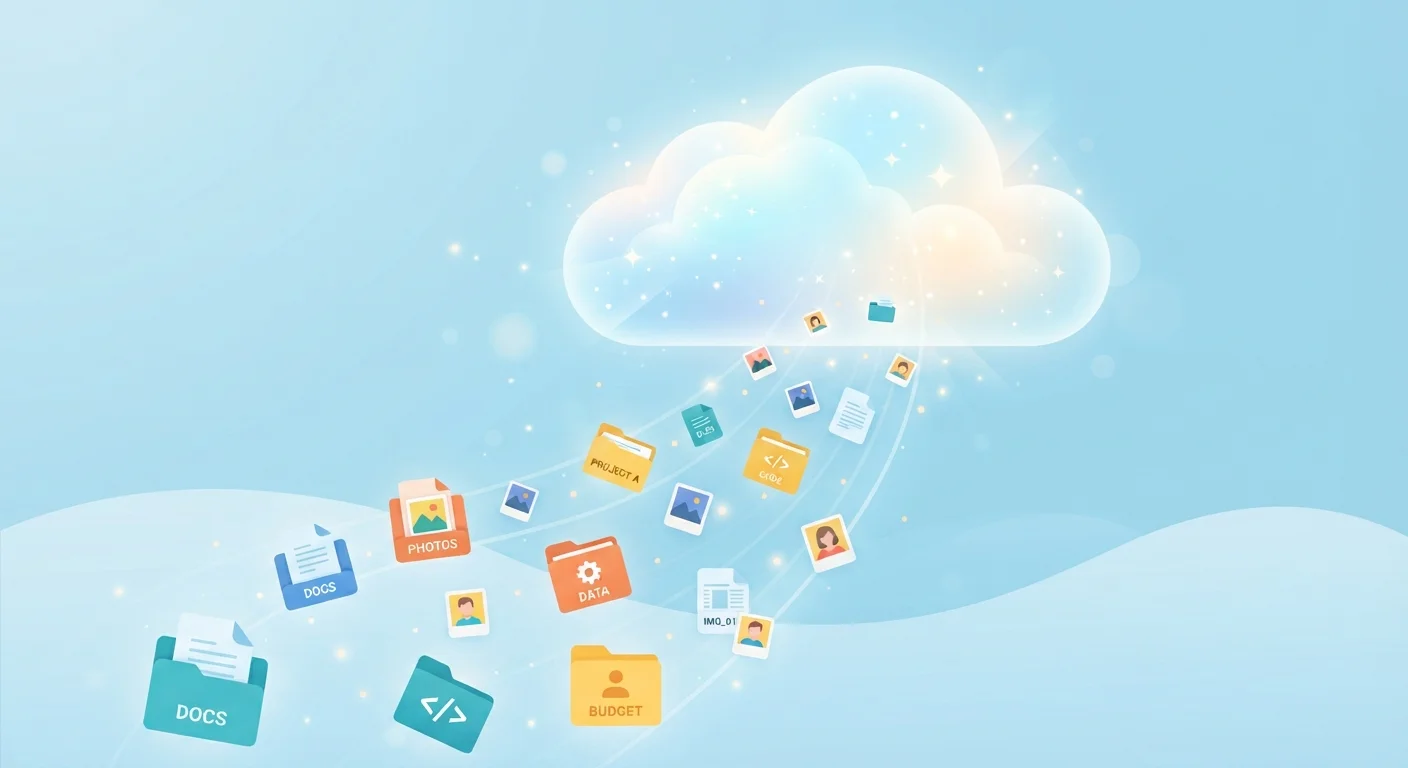
Photo: ArticleHood.com | Precision In Every Word editorial
Key Takeaways
- "The cloud" refers to remote servers that store your data over the internet, not a vague digital space.
- Your files still physically exist on hardware - just hardware you don't own or manage.
- Cloud services sync data across devices, so changes appear everywhere automatically.
- A reliable internet connection is required to access cloud-stored files in real time.
- Free cloud storage tiers have storage limits; exceeding them usually requires a paid plan.
- Cloud storage reduces strain on your device's local storage, but it is not a guaranteed backup.
What the Cloud Actually Is
The phrase "the cloud" sounds abstract, but it describes something concrete: large buildings full of powerful computers - called data centers - owned by companies like Google, Apple, Amazon, and Microsoft. When you save a photo to iCloud or Google Photos, that image travels over the internet and gets written onto physical storage hardware inside one of those facilities.
From your end, it looks effortless. From a technical standpoint, your device is simply communicating with a remote server the same way it communicates with any website. The difference is that instead of loading a webpage, it's sending or retrieving your data.
To understand how this differs from storing files locally, it helps to think about the alternative. When a photo sits only on your phone's internal storage, it exists on a tiny chip inside the device - nowhere else. Cloud storage adds a second (and sometimes primary) home for that data, one that isn't tied to any single piece of hardware you own. For a deeper look at how local storage hardware works, see our explainer on SSD vs HDD storage.
"The Cloud" Is Always Physical
How Syncing Works Across Your Devices
One of the most useful things cloud storage does is sync - automatically keeping the same files updated across every device connected to your account. Take a photo on your phone, and within moments it can appear on your laptop and tablet without you doing anything. This happens because each device checks in with the cloud service in the background and downloads any changes.
Syncing also means that edits propagate everywhere. Rename a file on your laptop and it renames on your phone. Delete something on one device and it disappears from all of them - which is both a convenience and a reason to be careful.
This real-time coordination depends on your internet connection. If your device is offline, changes queue up and sync once connectivity is restored. For households with slower or capped connections, large syncs - like uploading a vacation photo album - can use a meaningful amount of data. Our home internet plan explainer breaks down what your connection speed means in practice.
Set Large Uploads to Wi-Fi Only
Storage Limits, Free Tiers, and What Fills Them Up
Almost every cloud service offers a free tier with a storage ceiling - commonly 5 GB to 15 GB depending on the provider. That sounds generous until you consider that a single minute of 4K smartphone video can exceed 300 MB, and a library of thousands of photos can fill free allotments quickly.
Beyond the free limit, services charge a recurring fee for additional capacity. It's worth periodically checking how much of your allowance you're using, since a full cloud account stops accepting new uploads - which can interrupt automatic photo backups without obvious warning.
Cloud usage also interacts with your device's local storage in ways that aren't always obvious. Many apps store cached data or offline copies of cloud files directly on your device. Our related article on why apps use more storage than expected explains how this adds up.
5-15 GB
Typical free cloud storage tier offered
Most major cloud providers offer between 5 GB and 15 GB of free storage, which can fill quickly with modern high-resolution photos and videos.
~300 MB
Size of one minute of 4K smartphone video
A single minute of 4K video recorded on a modern smartphone can occupy roughly 300 MB, meaning a short trip could consume gigabytes of storage.
3+
Average connected devices per US adult
The prevalence of multiple personal devices - phones, tablets, laptops - is a key reason cloud sync has become central to how people manage their files.
What Cloud Storage Is - and Isn't
Cloud storage is genuinely useful, but it's worth understanding its limits clearly. It is not an automatic, permanent backup. If a service closes, if you stop paying, or if you delete files, your data can be lost. Deletion syncing - where removing a file on one device removes it everywhere - catches many users off guard.
Some services do maintain version histories or a recoverable trash folder for a set period, which provides a safety net. But the safest approach is treating cloud storage as one layer of a broader data strategy, not the only one.
The cloud also requires ongoing internet access to be fully functional. If connectivity is limited - during travel, an outage, or in areas with poor signal - files that exist only in the cloud become temporarily unreachable. Understanding your internet connectivity basics can help you plan around these situations.
Frequently Asked Questions
The content on this site is for informational purposes only and is not a substitute for professional advice. Always consult a qualified professional for guidance specific to your situation.