
Wi-Fi 5, Wi-Fi 6, and Wi-Fi 6E: What Changed and Why It Matters at Home

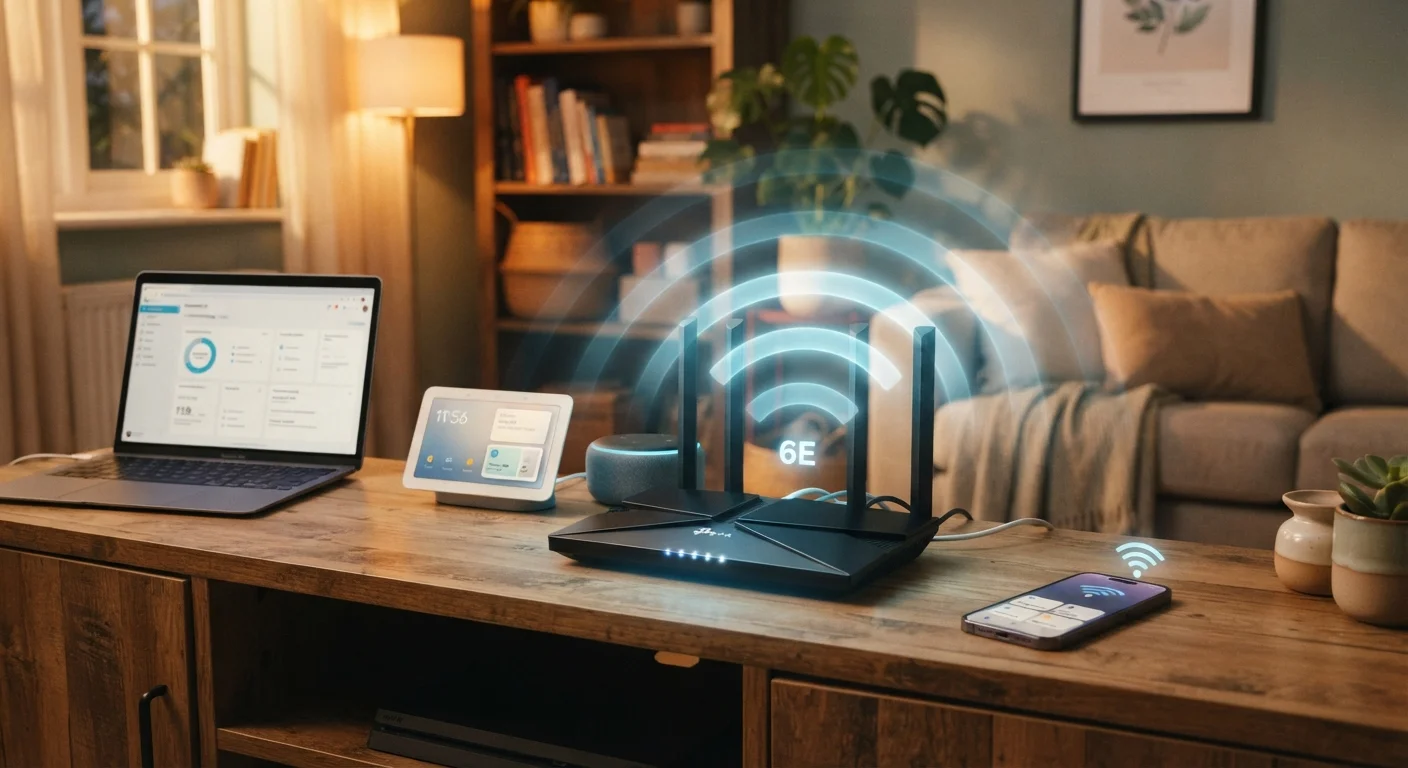
Photo: ArticleHood.com | Precision In Every Word editorial
Key Takeaways
- Wi-Fi 6 is meaningfully faster and more efficient than Wi-Fi 5, especially when many devices connect at once.
- Wi-Fi 6E adds a third radio band (6 GHz) that is less congested but requires compatible devices to use.
- Your internet plan speed and device compatibility matter as much as which router generation you own.
- Upgrading to Wi-Fi 6 or 6E only benefits you if your devices also support the newer standard.
- Congestion - not raw speed - is the most common reason Wi-Fi 5 homes feel sluggish.
What the Generation Numbers Actually Mean
Wi-Fi generations are defined by the underlying technical standard set by the IEEE (Institute of Electrical and Electronics Engineers). The marketing names - Wi-Fi 5, Wi-Fi 6, Wi-Fi 6E - were introduced by the Wi-Fi Alliance to make these standards easier for consumers to understand. Each new generation builds on the previous one, improving speed, efficiency, and how many devices can communicate at once.
Wi-Fi 5 (technical name: 802.11ac) launched around 2013 and became the dominant standard for home routers through most of the 2010s. It operates exclusively on the 5 GHz radio band, offering faster speeds than the older 2.4 GHz-only Wi-Fi 4 standard.
Wi-Fi 6 (802.11ax), introduced in 2019, works on both the 2.4 GHz and 5 GHz bands. It didn't just increase top speeds - it redesigned how the router talks to multiple devices simultaneously. Wi-Fi 6E, a variant approved in 2021 in the US, extends Wi-Fi 6 into a third band: the 6 GHz spectrum. That extra band offers less interference but requires hardware specifically built to use it. To understand how your home's physical layout affects any Wi-Fi signal, see our guide on why Wi-Fi slows down in certain rooms.
| Criterion | Wi-Fi 5 (802.11ac) | Wi-Fi 6 / 6E (802.11ax) |
|---|---|---|
| Year introduced | ~2013 | 2019 (6E: 2021 in US) |
| Radio bands used | 5 GHz only | 2.4 GHz, 5 GHz, and 6 GHz (6E) |
| Max theoretical speed | ~3.5 Gbps | Up to ~9.6 Gbps |
| Simultaneous device handling | Up to 4 devices (downlink) | Up to 8 devices (up and downlink) |
| Congestion management | Basic MU-MIMO | OFDMA + BSS Coloring |
| Interference resistance | Moderate | High (6E band near interference-free) |
| Device compatibility | Near-universal | Wi-Fi 6: broad; 6E: newer devices only |
| Typical use case fit | Small/medium households | Large, device-dense households |
The Key Technical Improvements - in Plain English
The biggest practical jump from Wi-Fi 5 to Wi-Fi 6 isn't raw speed - it's how well the router manages many devices at once. Two technologies are central to this:
- OFDMA (Orthogonal Frequency Division Multiple Access): In Wi-Fi 5, the router sends data to one device at a time in rapid succession. OFDMA, introduced with Wi-Fi 6, lets the router send data to multiple devices in a single transmission, reducing wait times across the board.
- MU-MIMO improvements: Wi-Fi 5 supported MU-MIMO (Multiple User, Multiple Input, Multiple Output) for up to four devices simultaneously on the downlink only. Wi-Fi 6 expanded this to eight devices and added uplink support - meaning devices sending data back to the router also benefit.
Wi-Fi 6 also introduced BSS Coloring, a method that helps routers ignore interference from neighboring networks - a meaningful benefit in apartments or dense neighborhoods. Wi-Fi 6E then layers on a wide-open 6 GHz band that, as of its introduction, had virtually no legacy devices competing for airtime.
37%
Average real-world speed gain, Wi-Fi 6 vs Wi-Fi 5
According to Wi-Fi Alliance testing data, Wi-Fi 6 delivers roughly 37% higher average throughput in congested environments compared to Wi-Fi 5.
1.2 GHz
New spectrum added by Wi-Fi 6E in the US
The FCC opened 1,200 MHz of spectrum in the 6 GHz band for Wi-Fi 6E use in the US in 2020, the largest single spectrum expansion for Wi-Fi in decades.
~25
Average connected devices per US household
Industry estimates suggest the average US home had roughly 25 connected devices by the mid-2020s, up from single digits a decade prior.
It's worth noting: your internet plan's speed and your device's own Wi-Fi chip both act as ceilings. A Wi-Fi 6 router won't make a 100 Mbps internet plan run faster - but it will distribute that bandwidth more fairly across a busy household. For a broader look at your home network setup, understanding the difference between your router and modem is a useful starting point.
Should You Upgrade Your Router?
The honest answer depends on three factors: how many devices you have, how your current network performs under load, and whether your devices can actually use the newer standard.
A Wi-Fi 6 router provides no benefit to a device that only supports Wi-Fi 5 - the two negotiate down to the older standard automatically. However, most smartphones and laptops released from 2020 onward include Wi-Fi 6 chips, so many households already have compatible devices without realizing it.
Backward Compatibility: No Device Left Disconnected
Wi-Fi 6E compatibility is more limited. As of the mid-2020s, a growing but still selective range of devices - including newer flagship phones and some laptops - support the 6 GHz band. The 6 GHz band also has shorter range than 5 GHz, meaning it performs best in rooms closer to the router.
If your household runs a mesh Wi-Fi network, upgrading the entire mesh system to Wi-Fi 6 or 6E can improve the backhaul - the connection between mesh nodes - significantly. For anyone setting up a home network from the beginning, our first-time home network setup guide walks through the process step by step.
Before spending money on new hardware, it's also worth checking whether simple habits are undermining your current setup. Common issues like poor router placement or outdated firmware cause more slowdowns than people expect - our guide on habits that undermine home Wi-Fi performance covers the most frequent culprits.
The content on this site is for informational purposes only and is not a substitute for professional advice. Always consult a qualified professional for guidance specific to your situation.